
ChatGPT Login & Features
Setting up a ChatGPT account is the first step to unlocking the power of AI-driven conversations. This guide walks you through the ChatGPT registration process with a simple, step-by-step approach to ensure a smooth AI chatbot account creation. Whether you’re looking for a ChatGPT sign-up guide or an in-depth ChatGPT tutorial, you’ll find everything you need to get started. Discover key ChatGPT features, explore the benefits of a ChatGPT account, and learn essential ChatGPT tips for managing your AI assistant account effectively. With this user-friendly ChatGPT user guide, you’ll quickly understand how to create and manage your account to maximize its potential.
Below is a picture tour of ChatGPT
🔽 🔽 🔽
















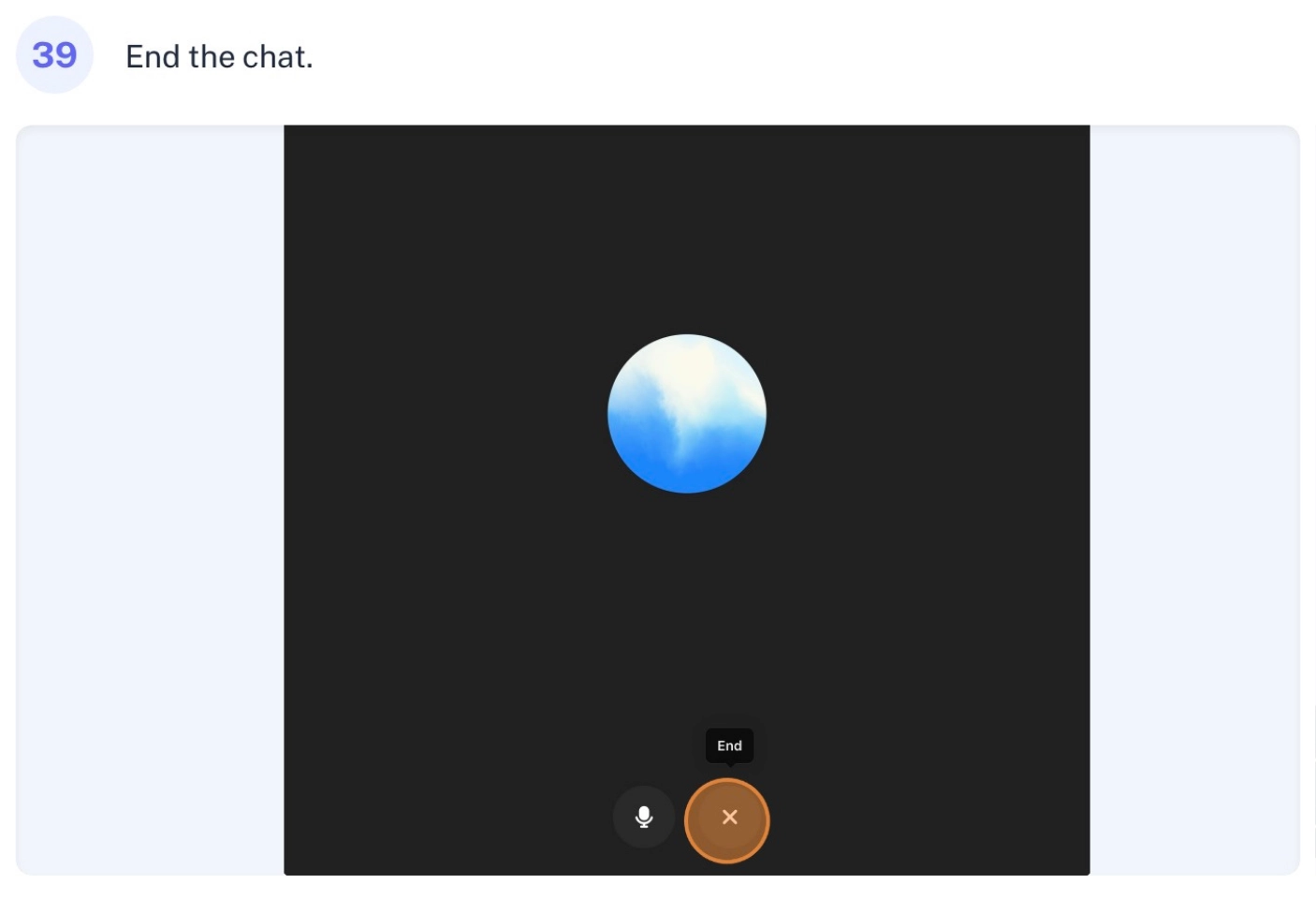
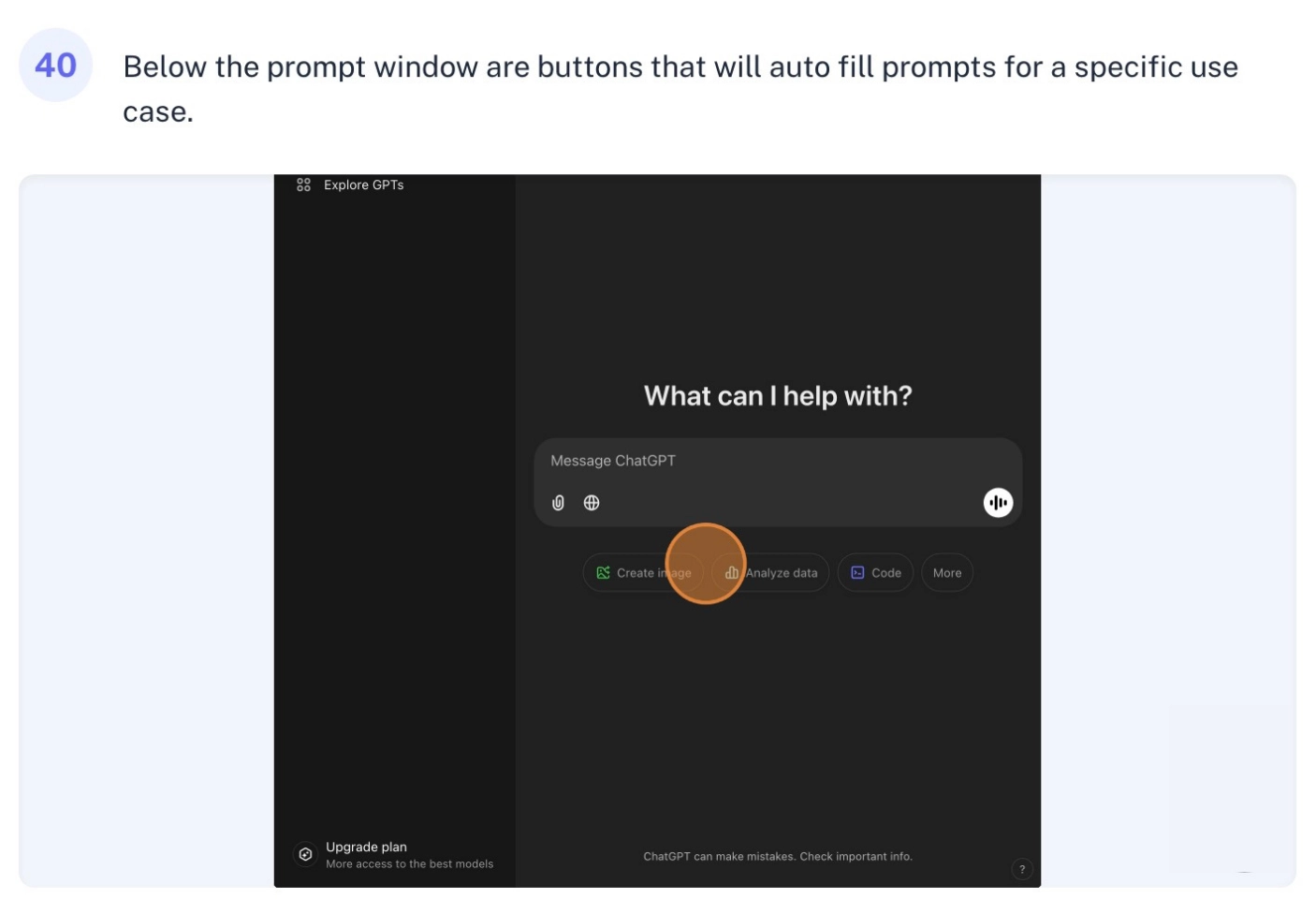


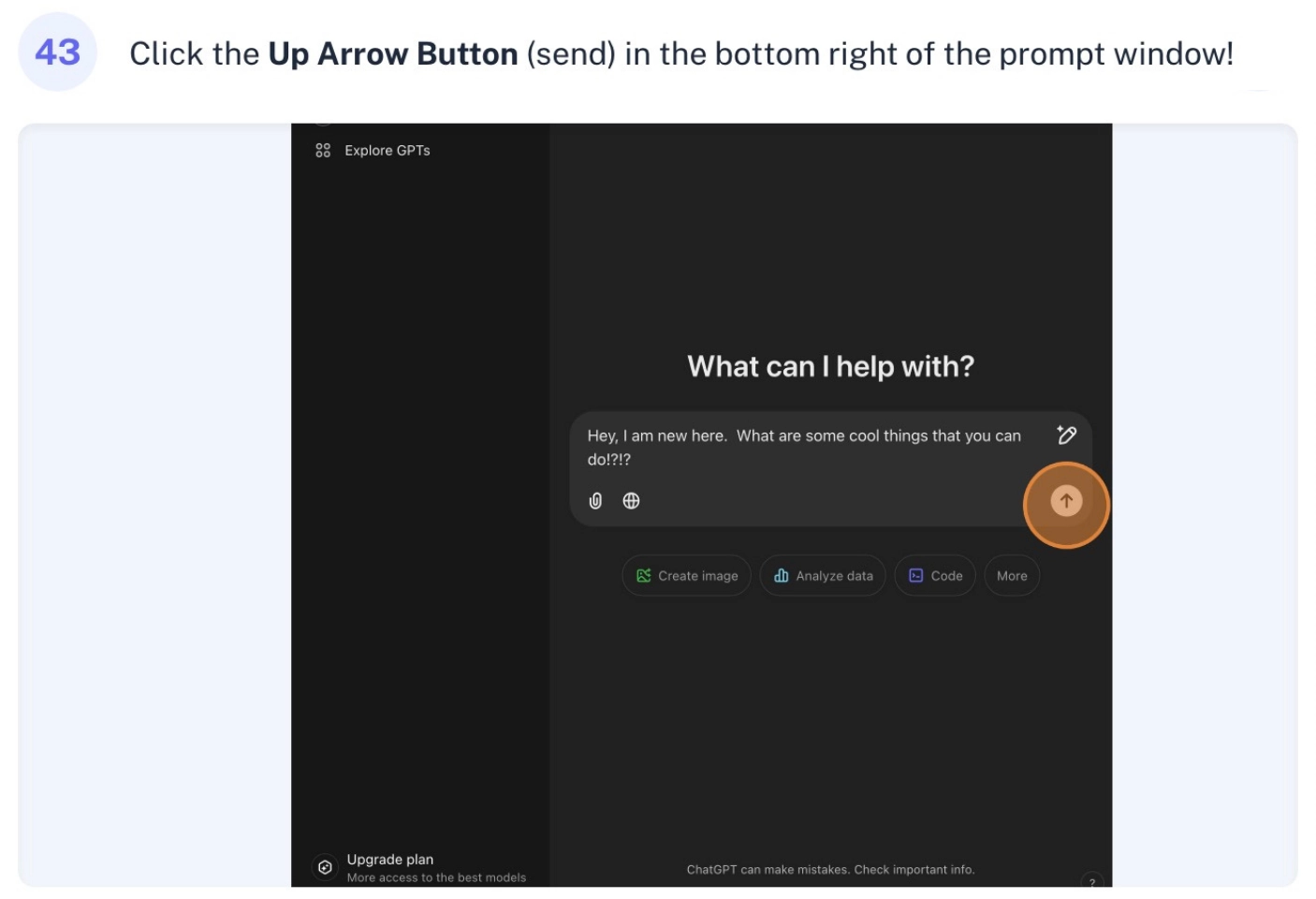
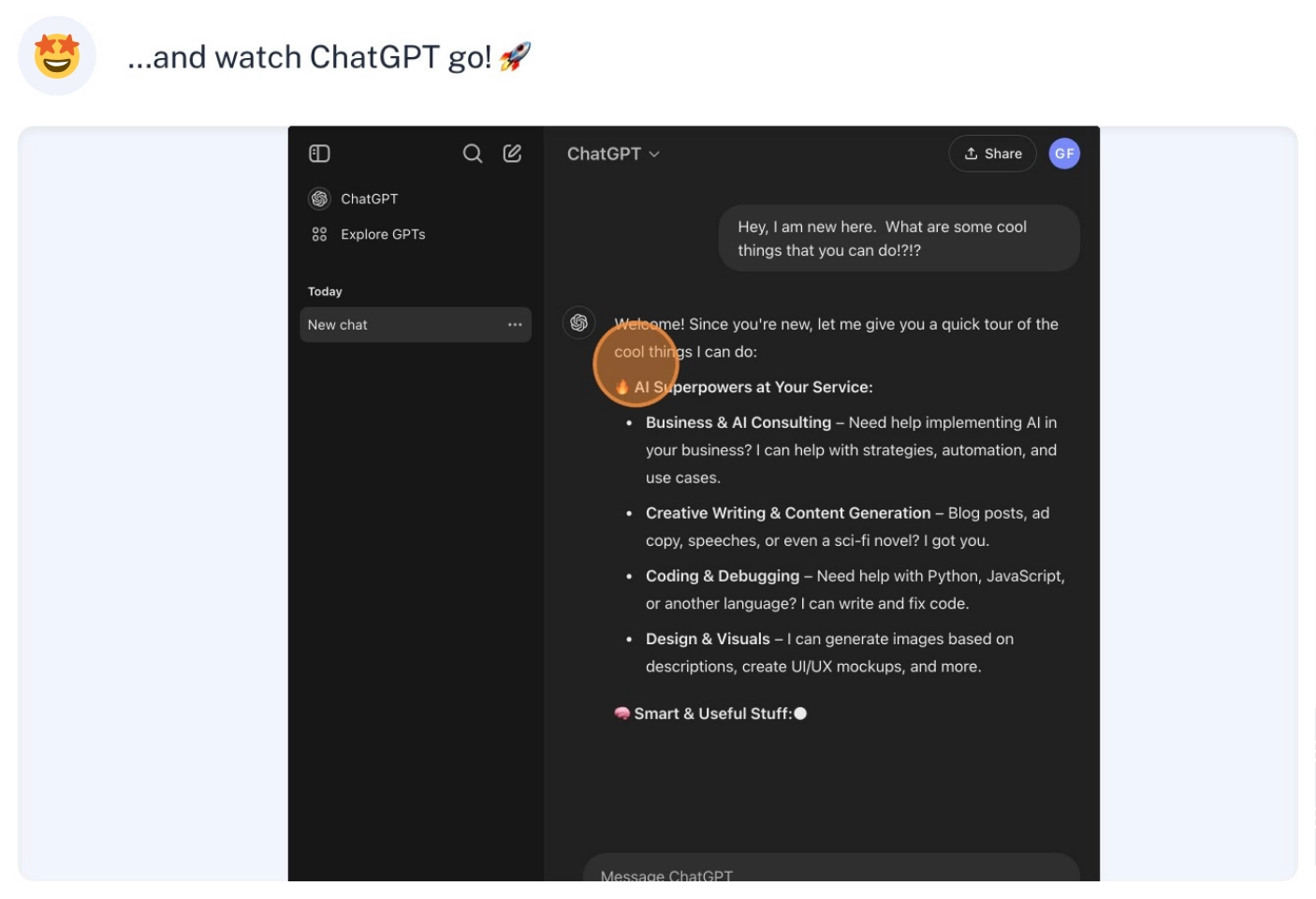















Here is a narrated tour of ChatGPT
🔽 🔽 🔽
Let me walk you through the ChatGPT dashboard in a friendly way – think of me as your personal tour guide!
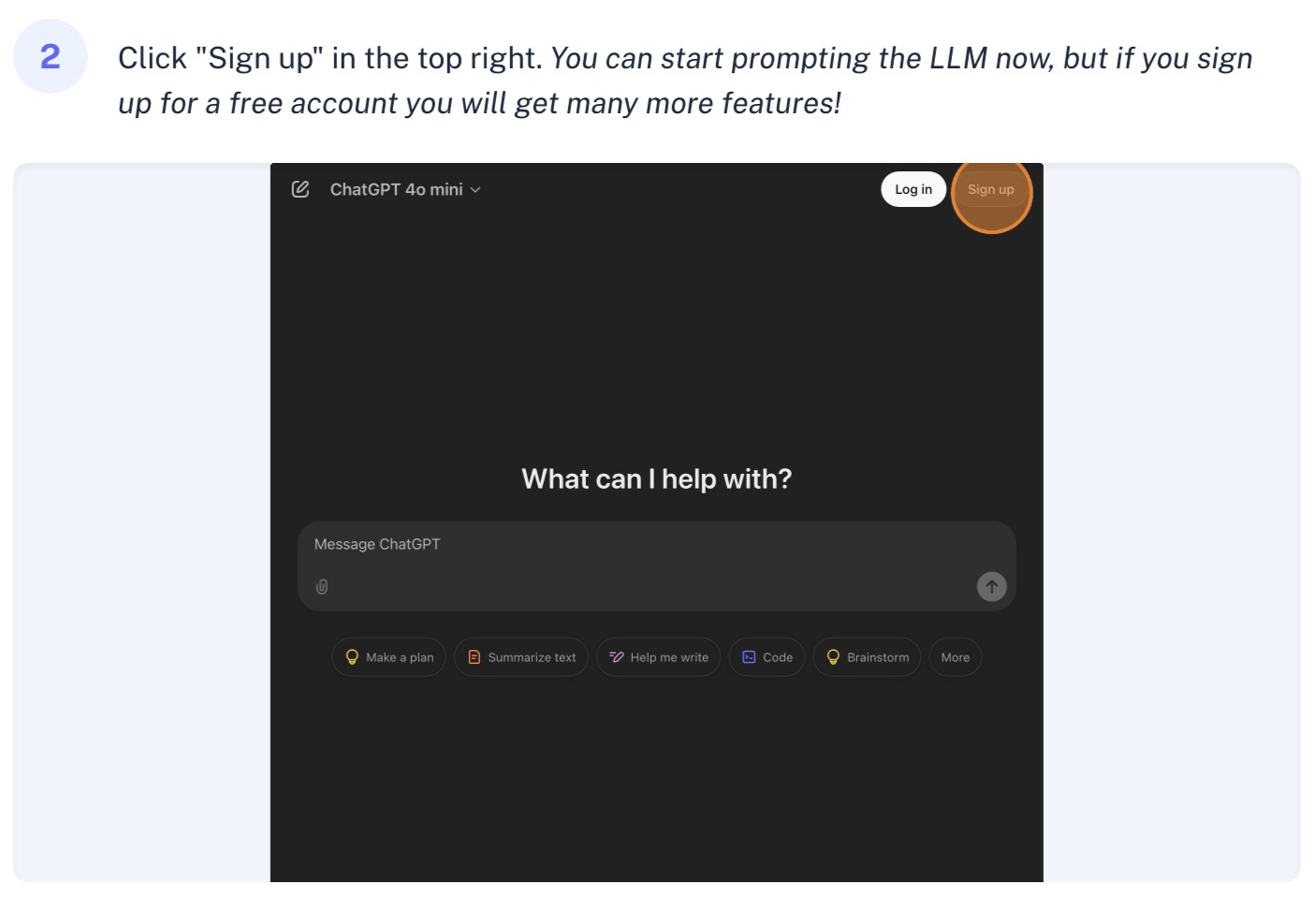
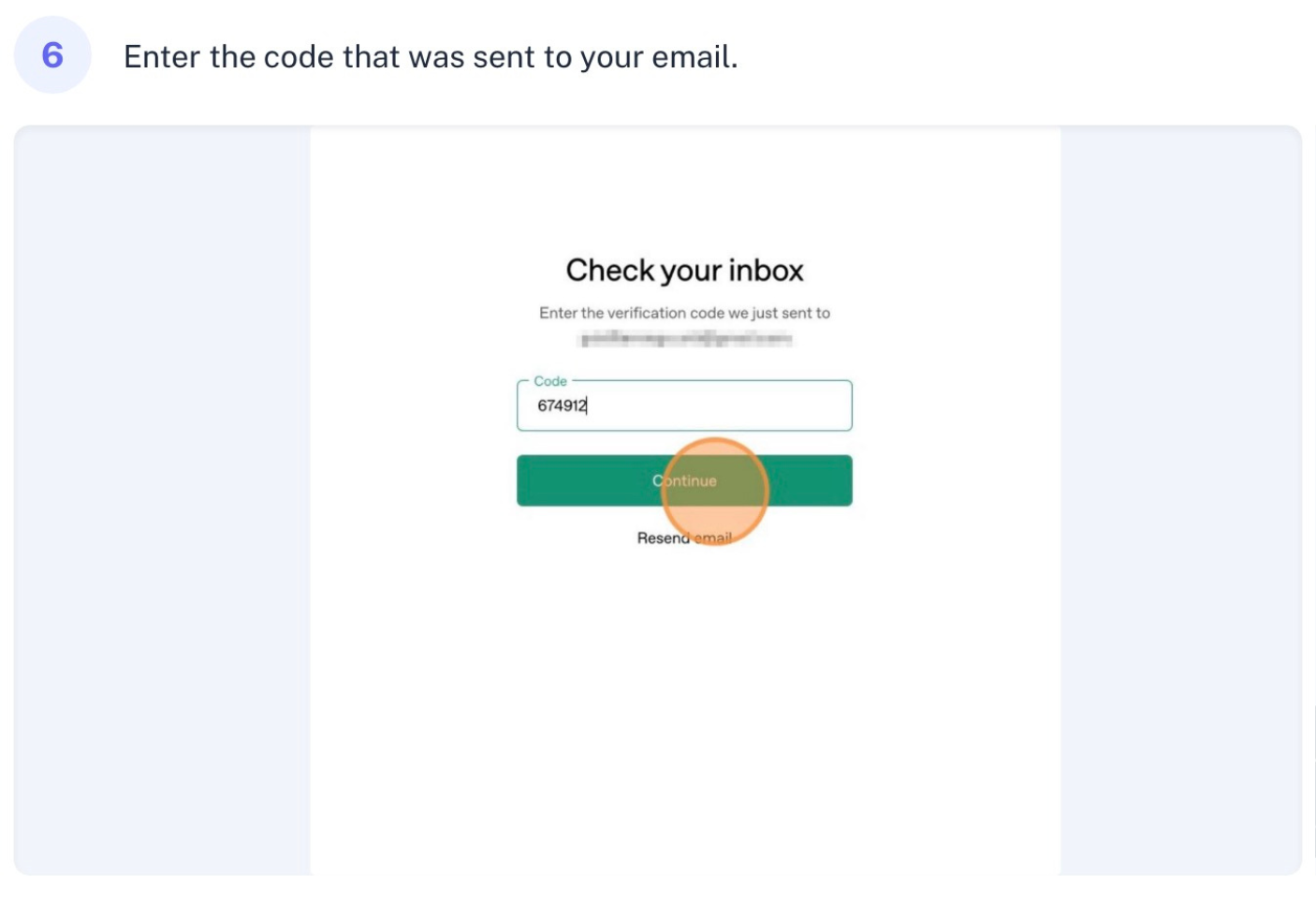
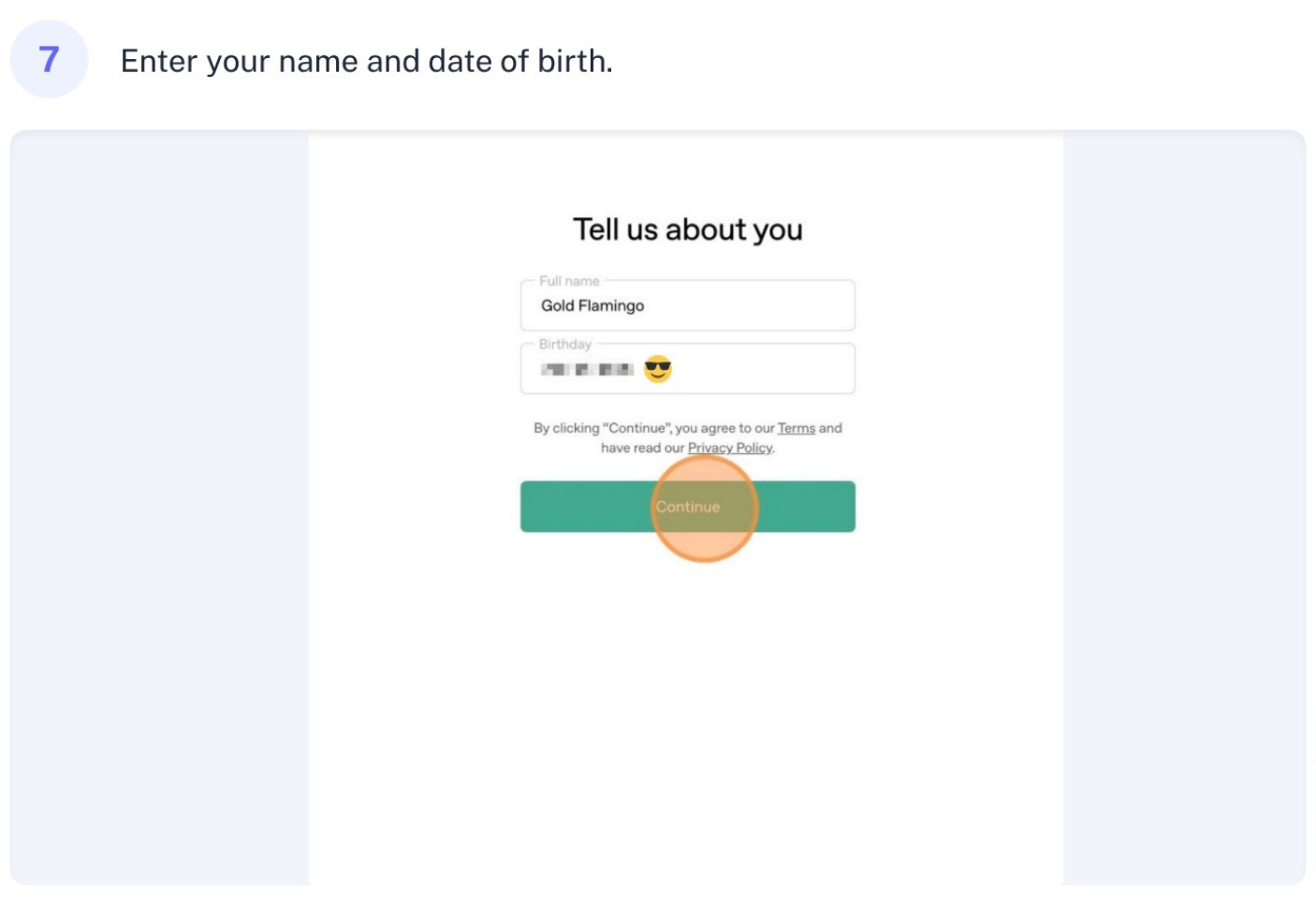
Hey, ready to dive into ChatGPT? First thing’s first – let’s get you signed up. Just pop over to chatgpt.com and hit that sign-up button. You can use your Google, Apple, or Microsoft account if you want to keep things simple, or go old school with an email signup. You’ll need to create a strong password, verify your email with a code, and share some basic info like your name and birthday.
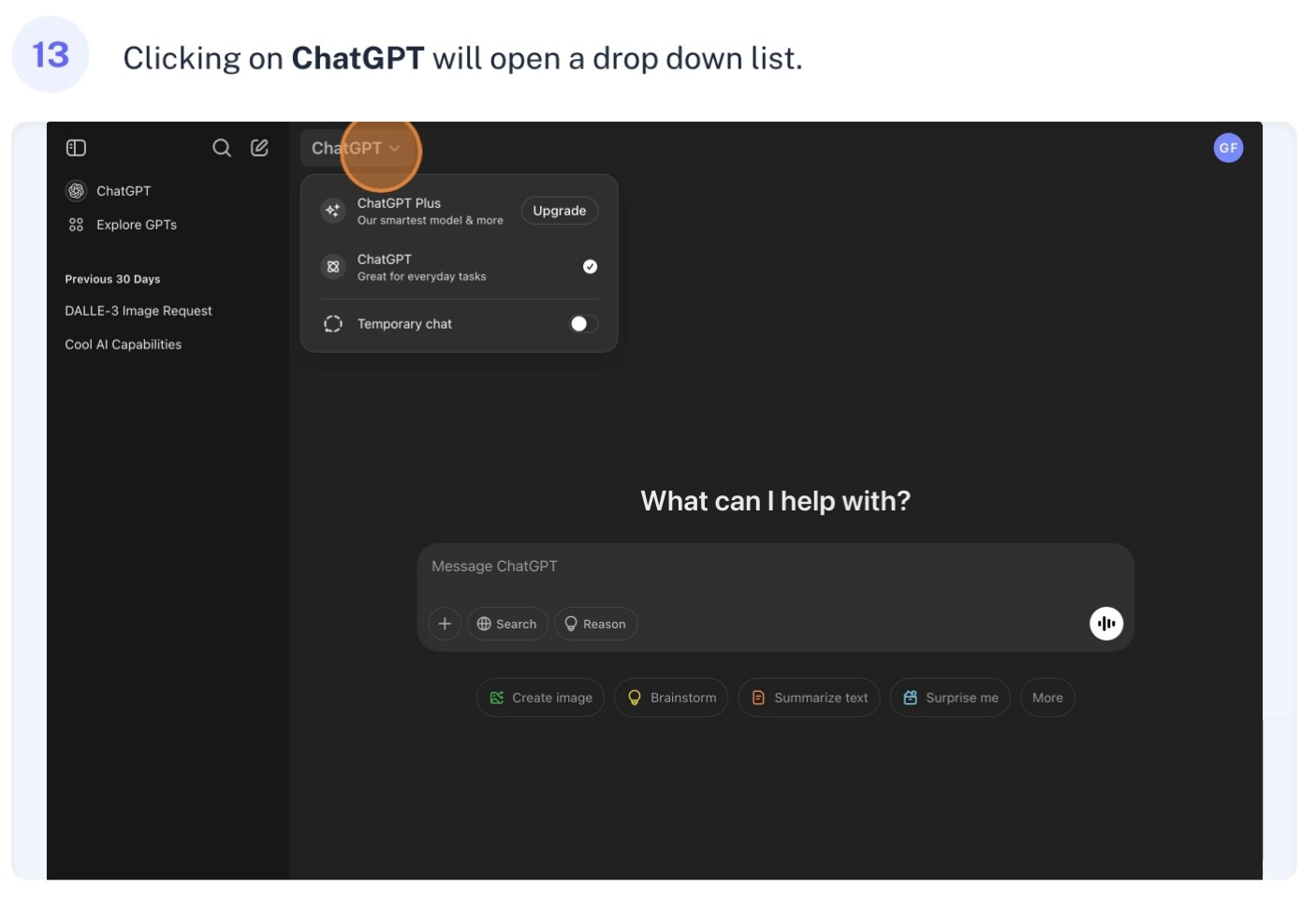
Once you’re in, you’ll see what I like to call your command center. See that little window icon? That’s your sidebar control – think of it as your navigation hub. Next to it is a handy magnifying glass for when you want to find old conversations, and a pencil icon when you’re ready to start fresh. You’ll also notice a ChatGPT dropdown menu where you can select different AI models to work with.
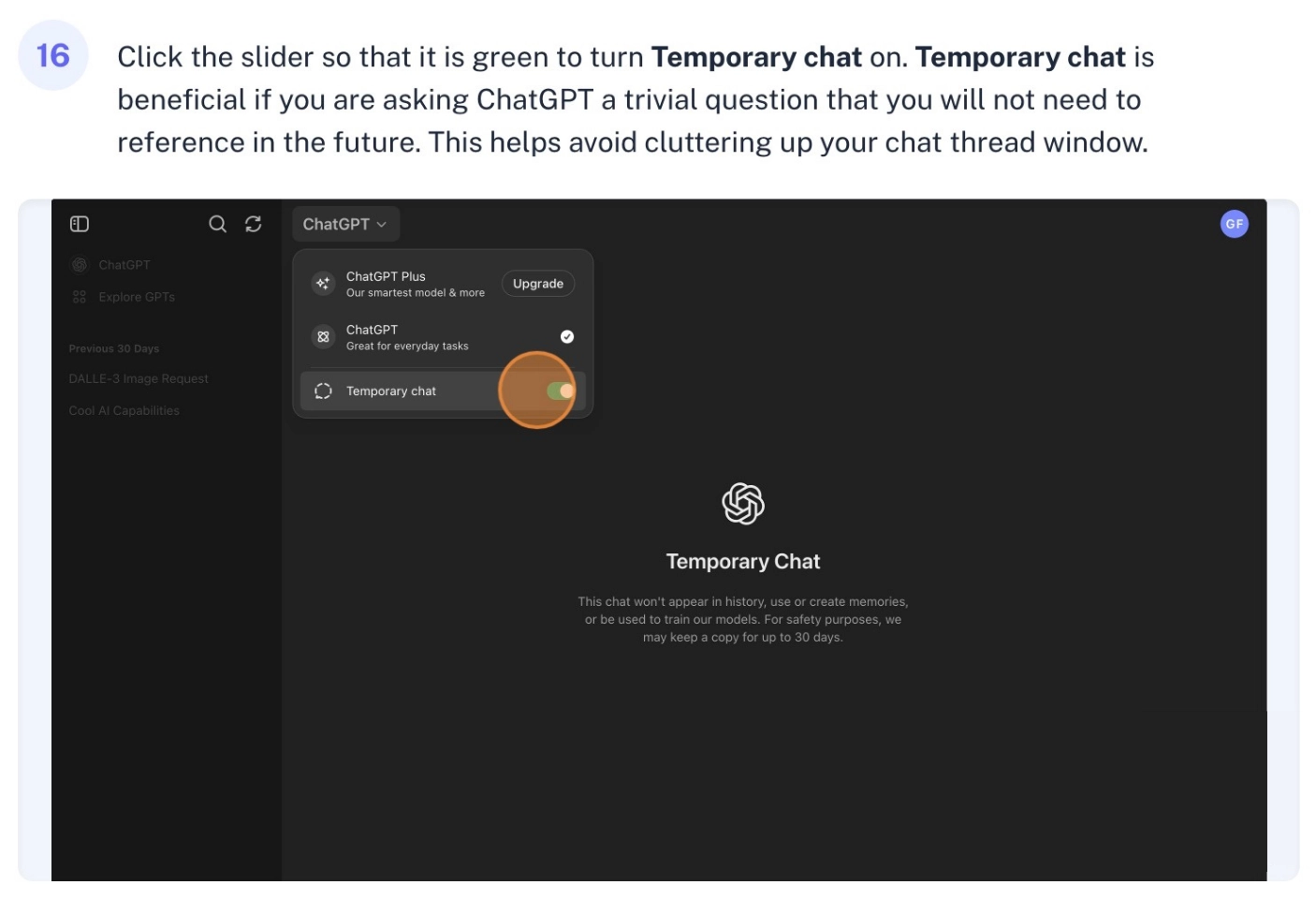
Want to know a cool feature? Check out the Temporary chat toggle – it’s perfect for those one-off questions where you don’t need to save the conversation. When you turn this on, your chat won’t show up in your history, and it won’t be used to train the AI.
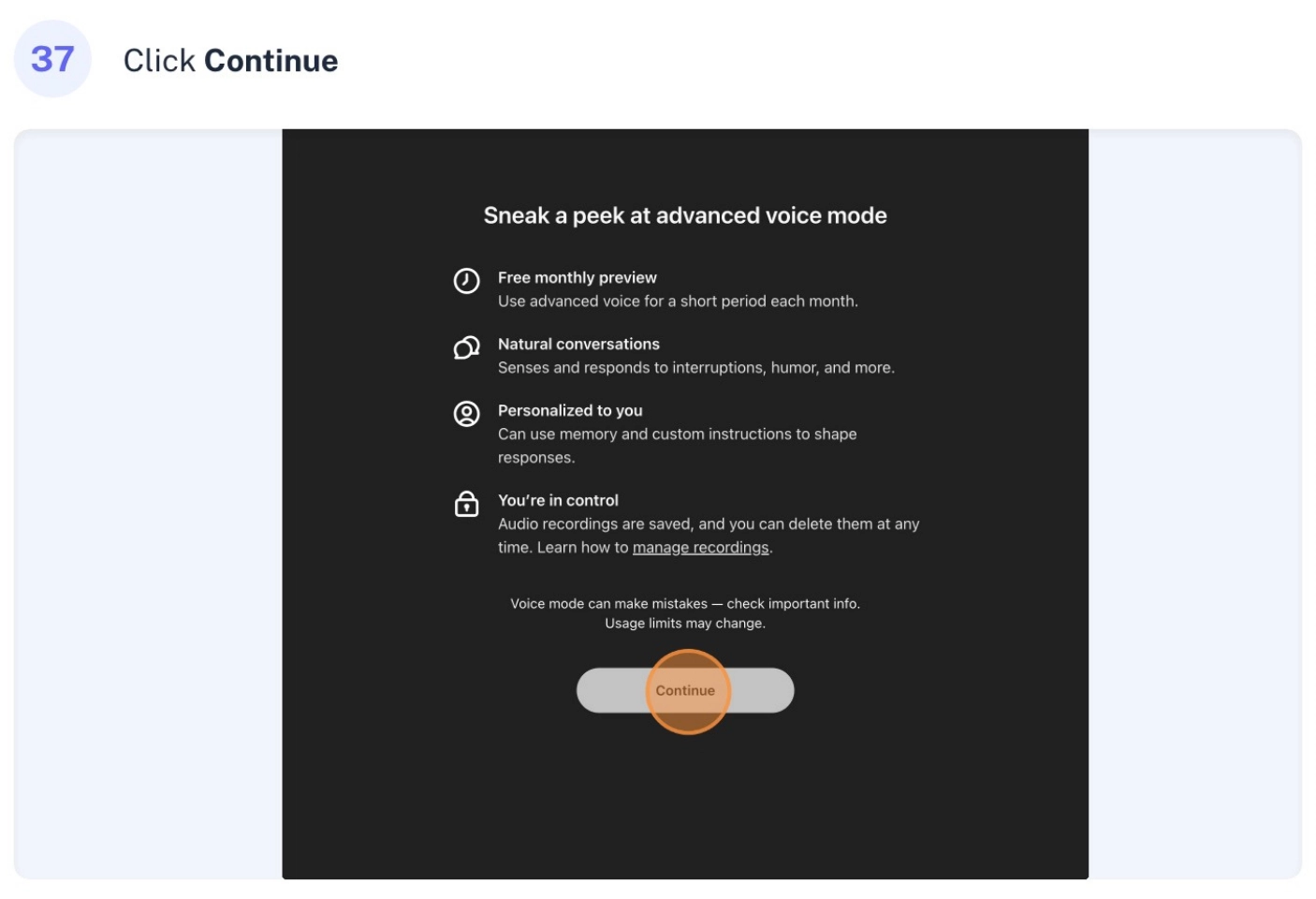
The heart of ChatGPT is the prompt window – that’s where the magic happens. Just type in what you want to talk about, or if you’re feeling chatty, click the voice icon and speak instead. There are even quick buttons below for common tasks like creating images, analyzing data, or getting help with writing. If you need real-time information, you can enable web searching too!
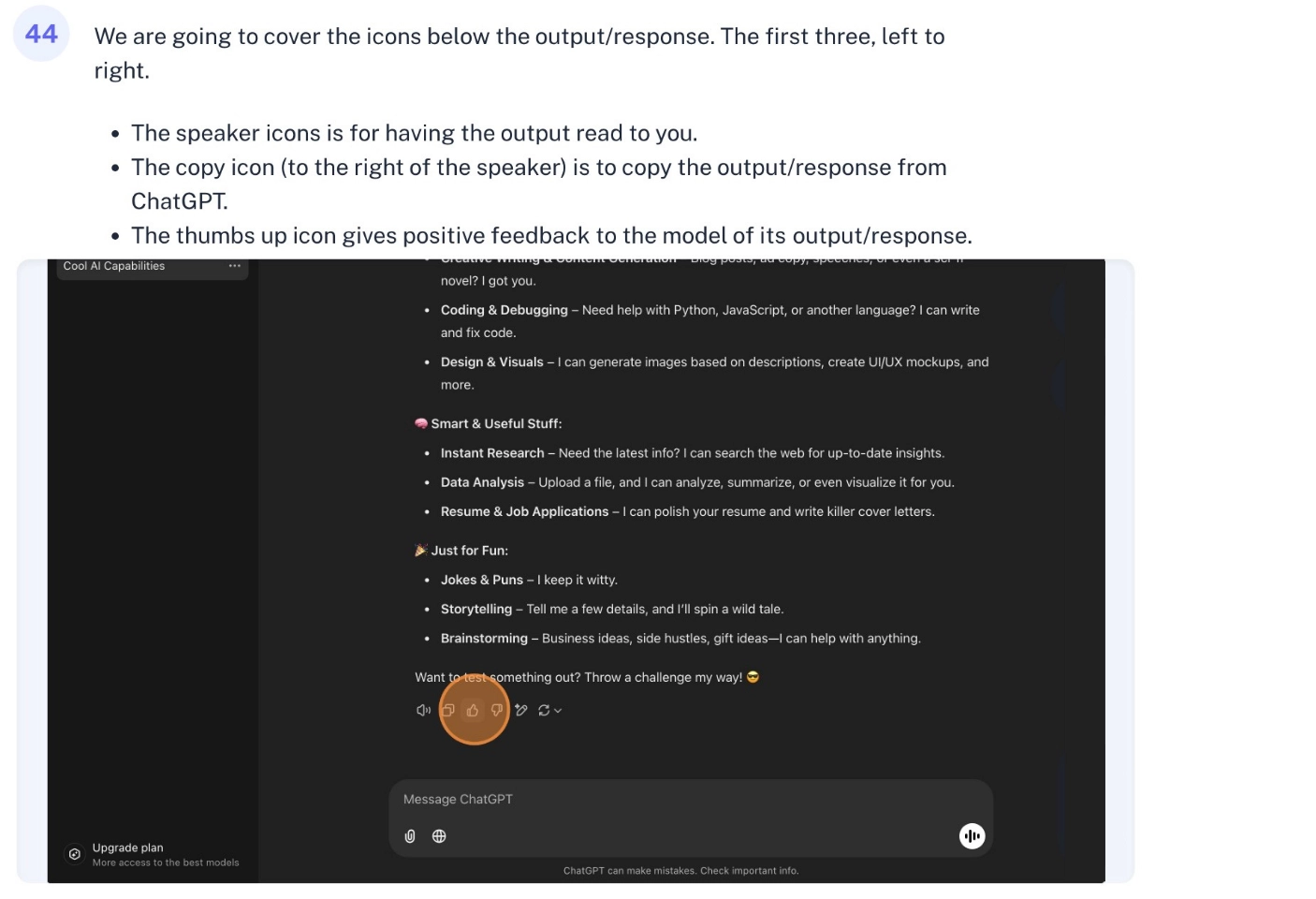
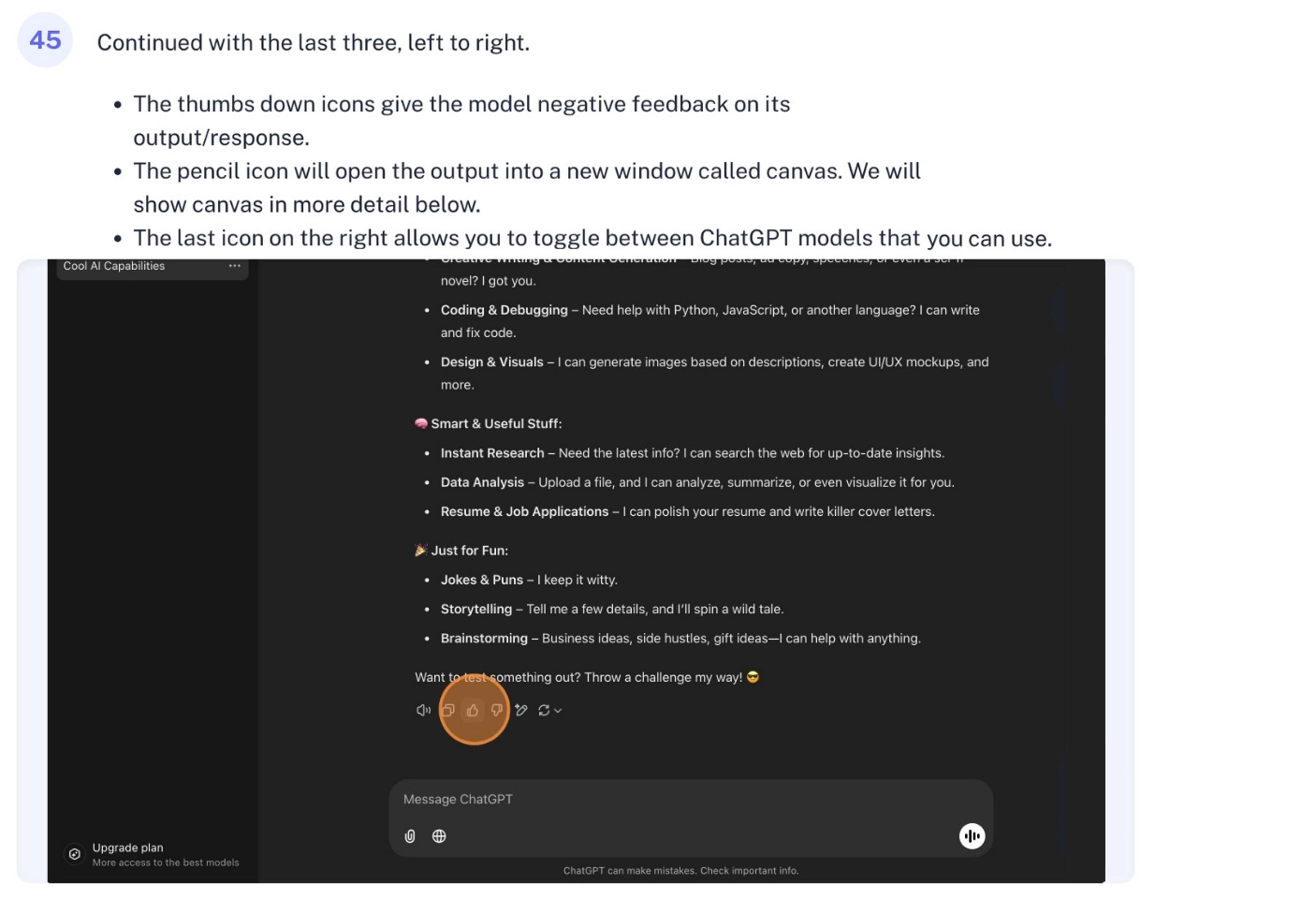
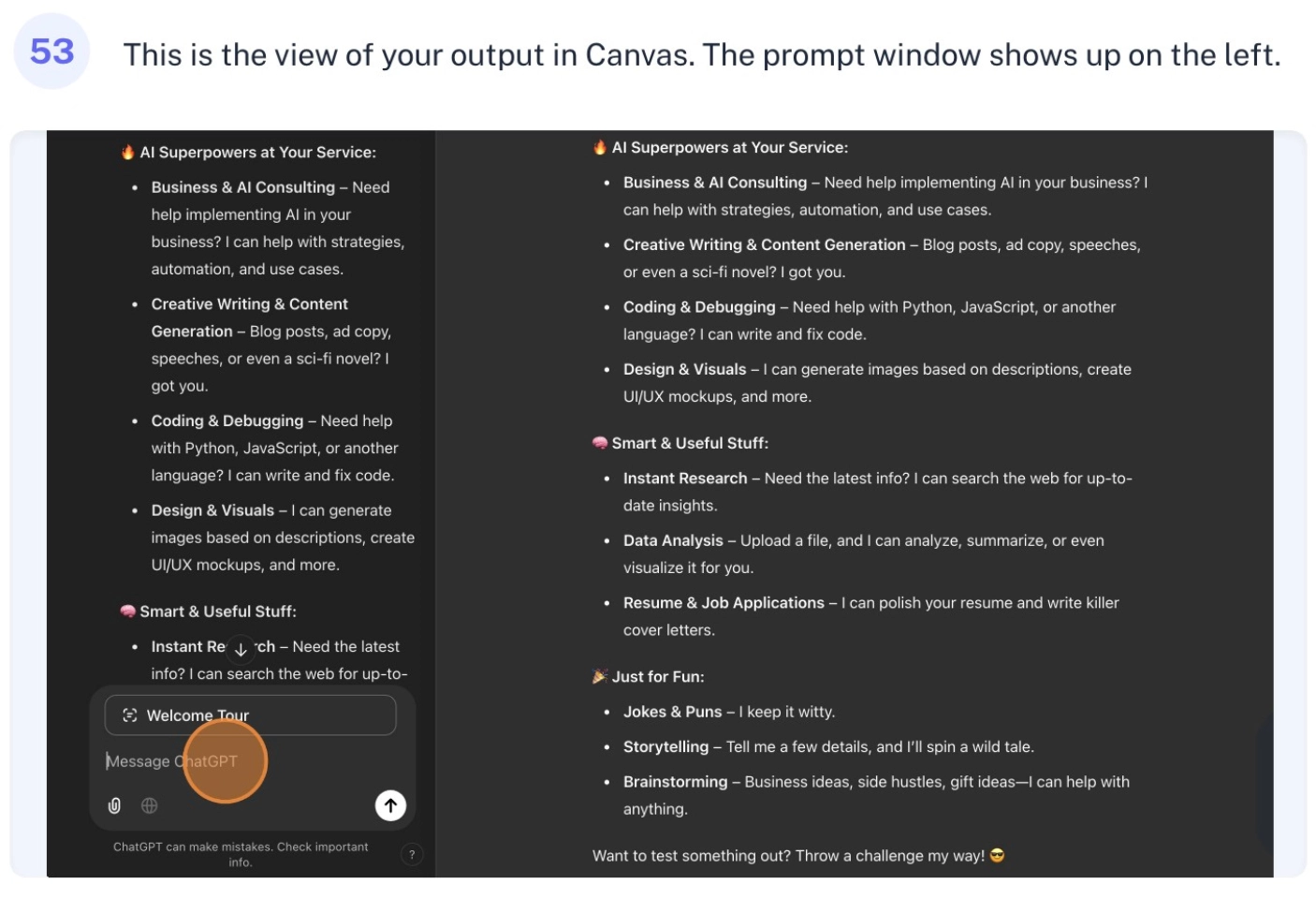
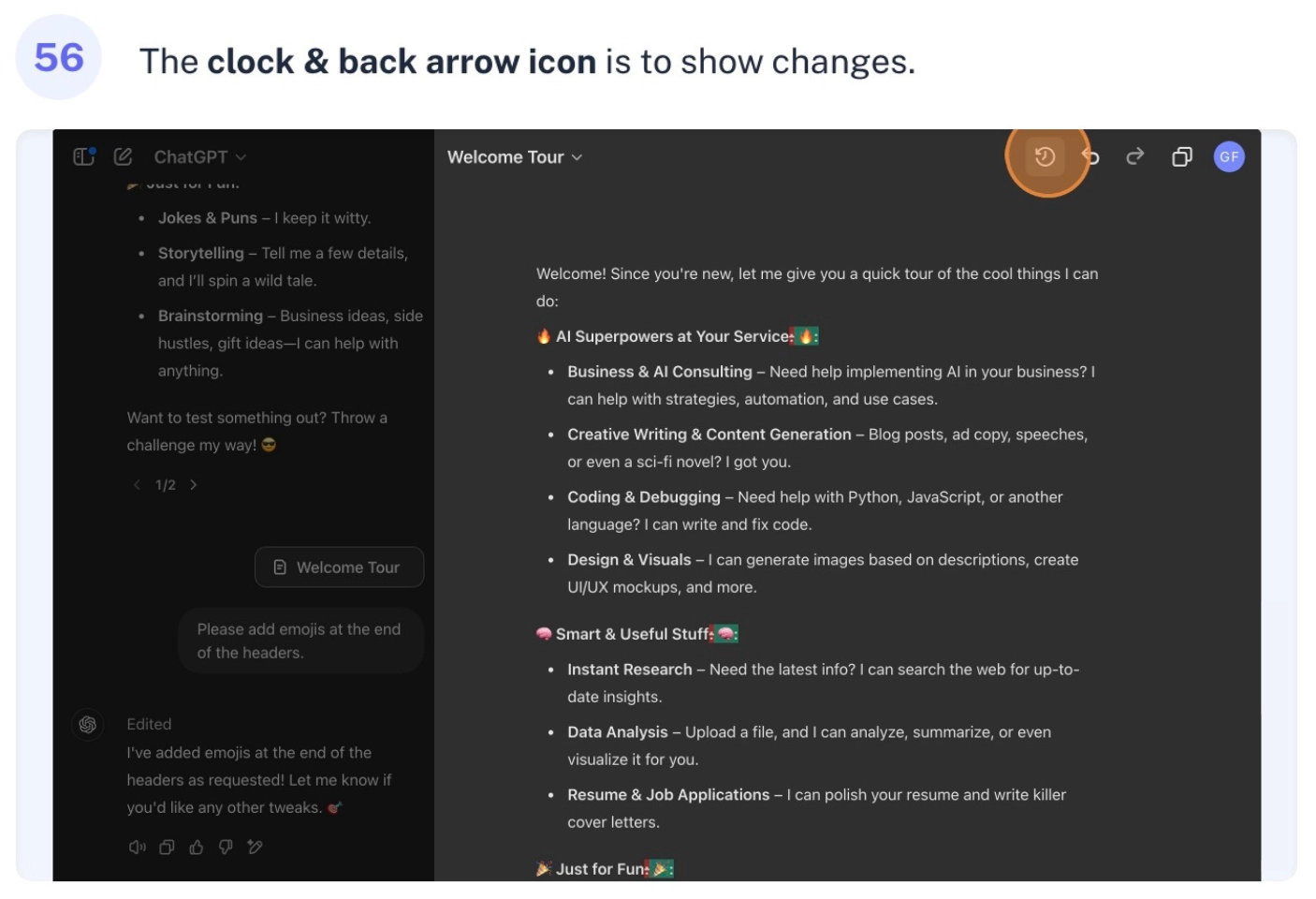
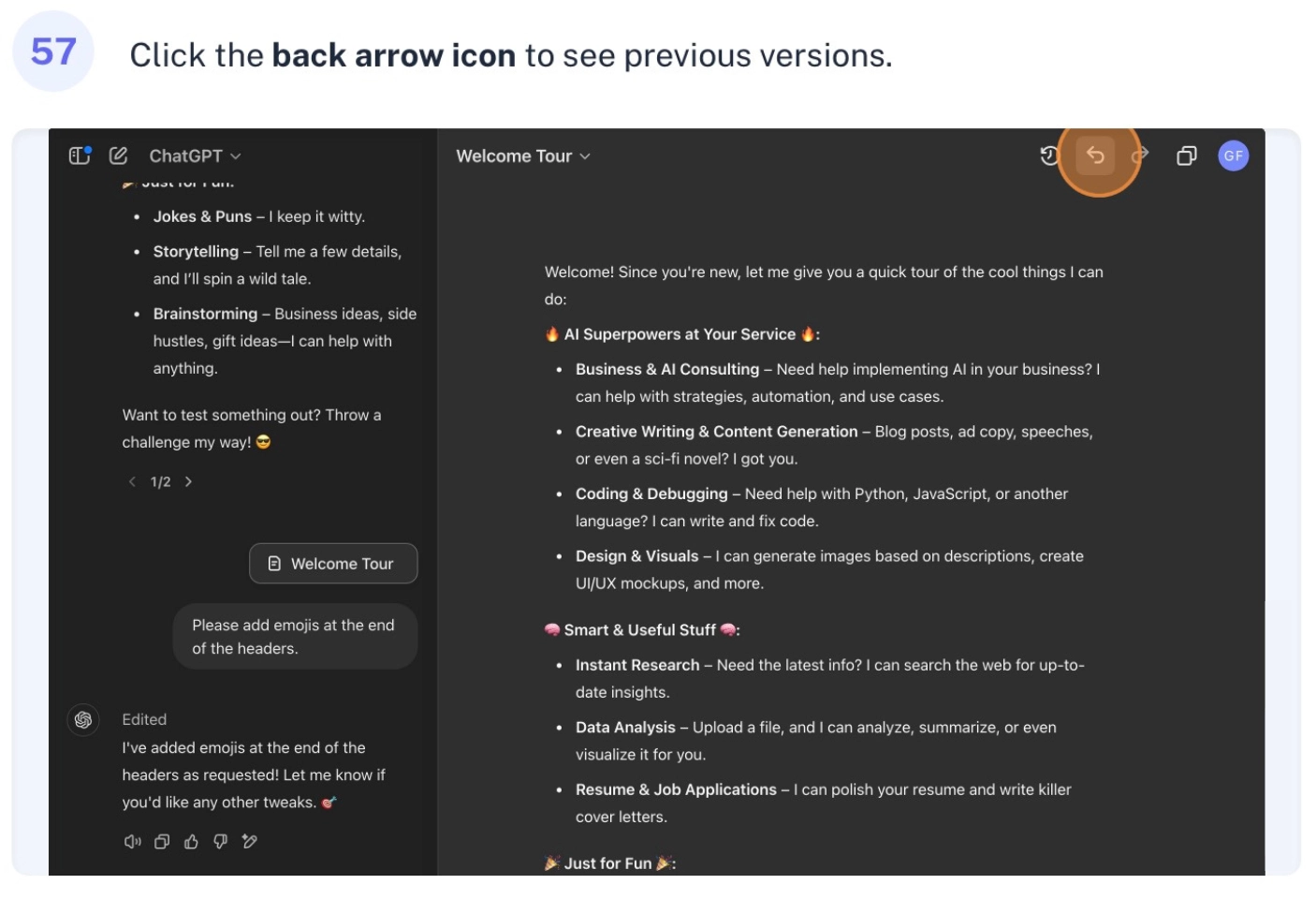
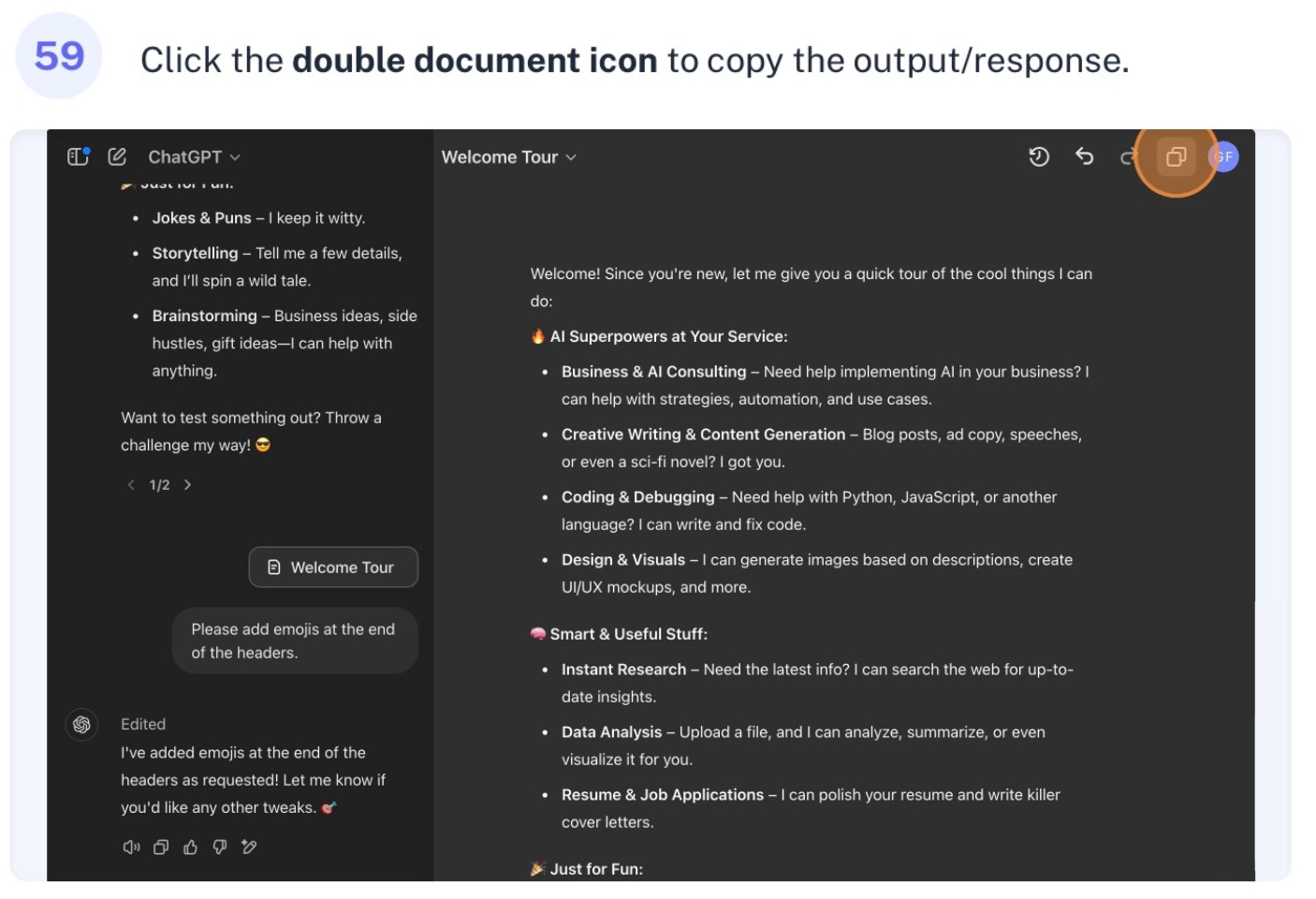
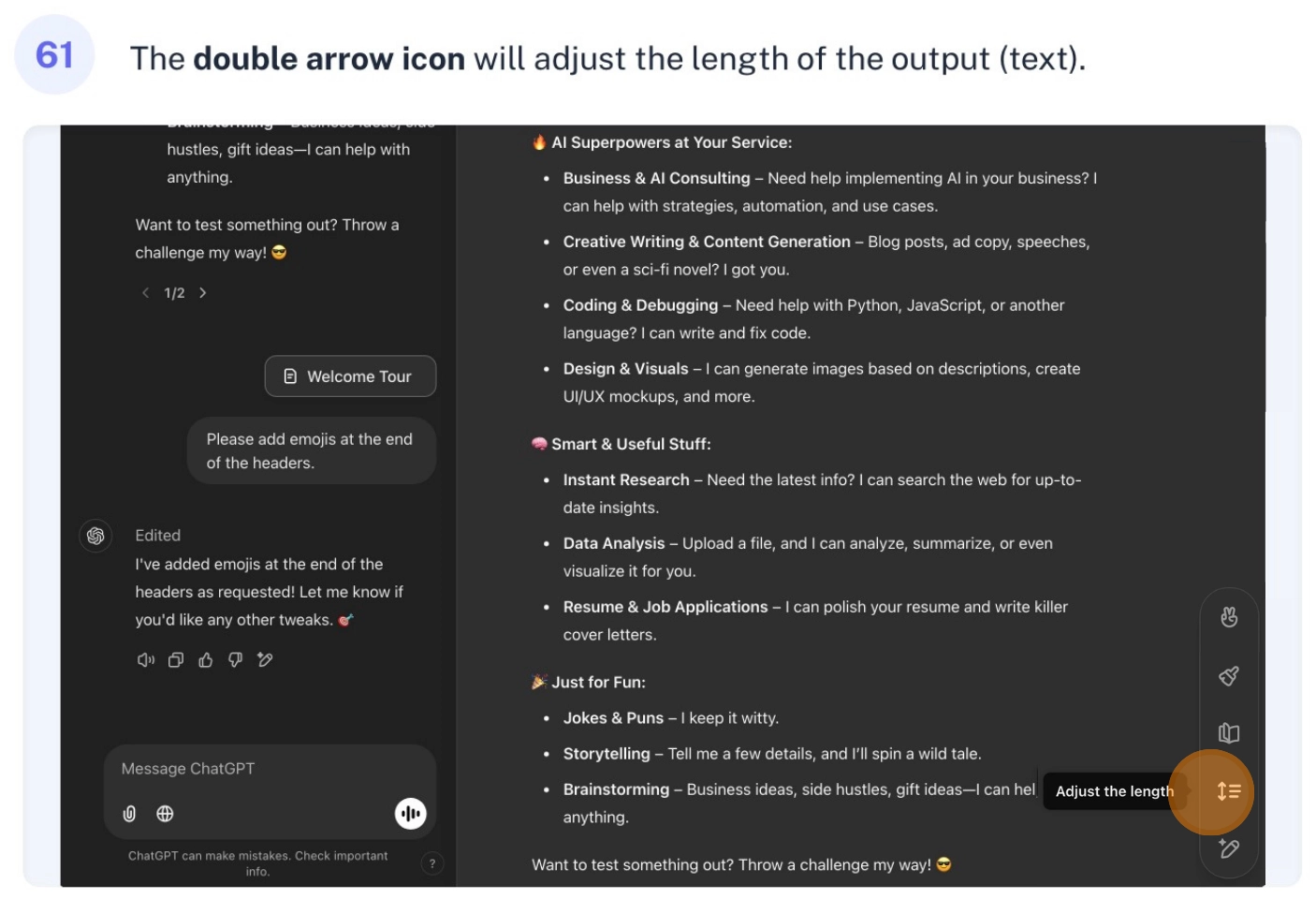
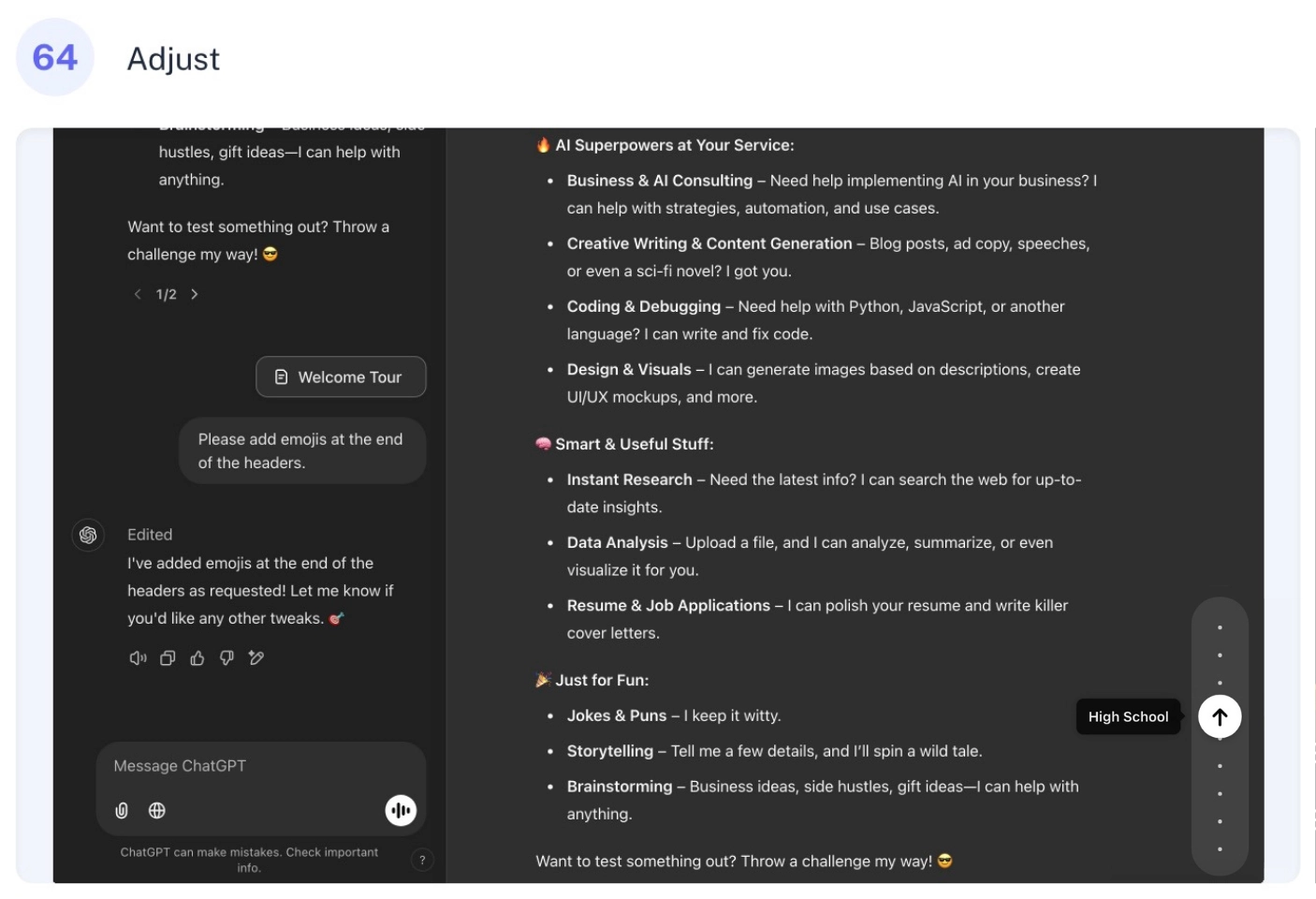
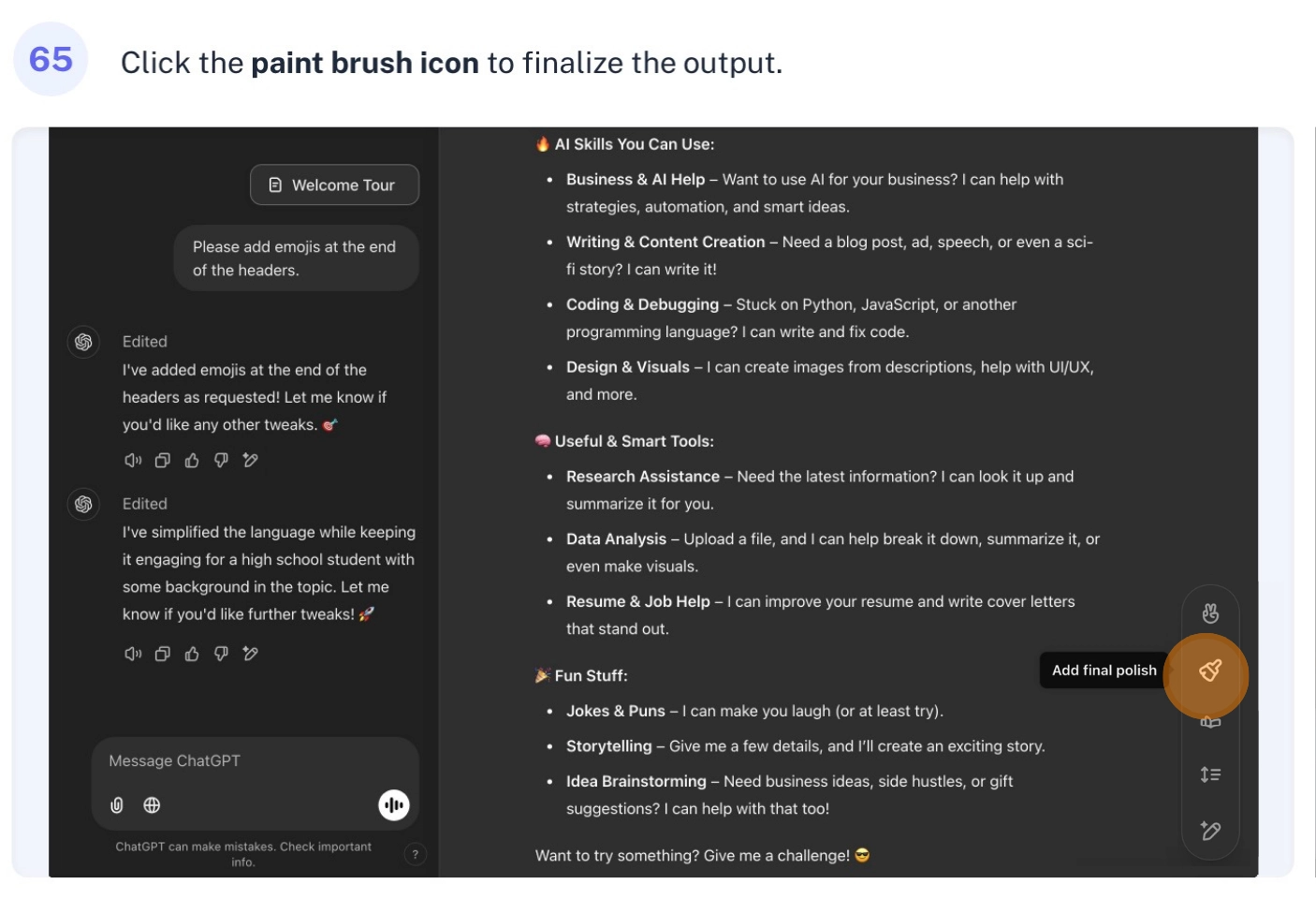
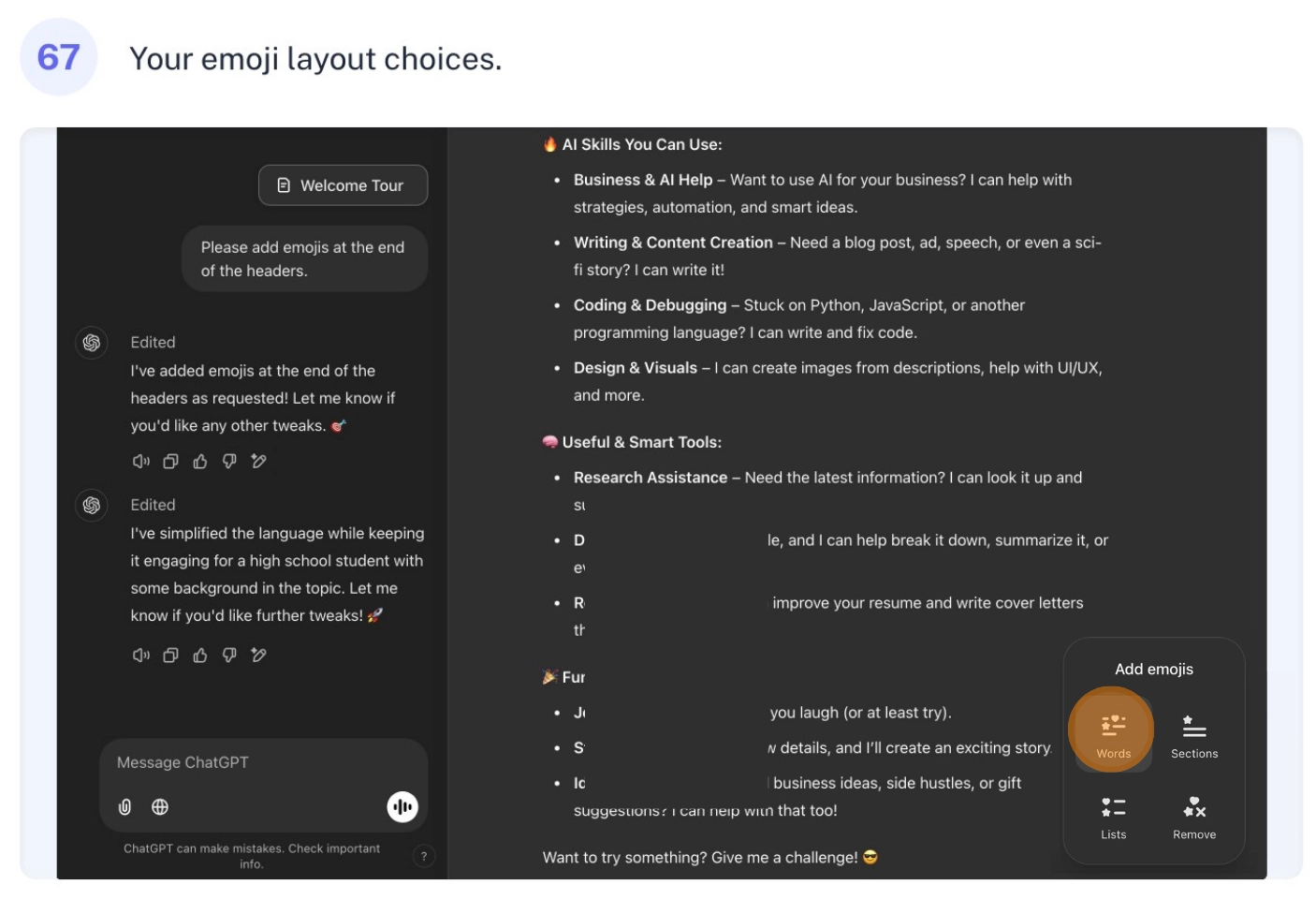
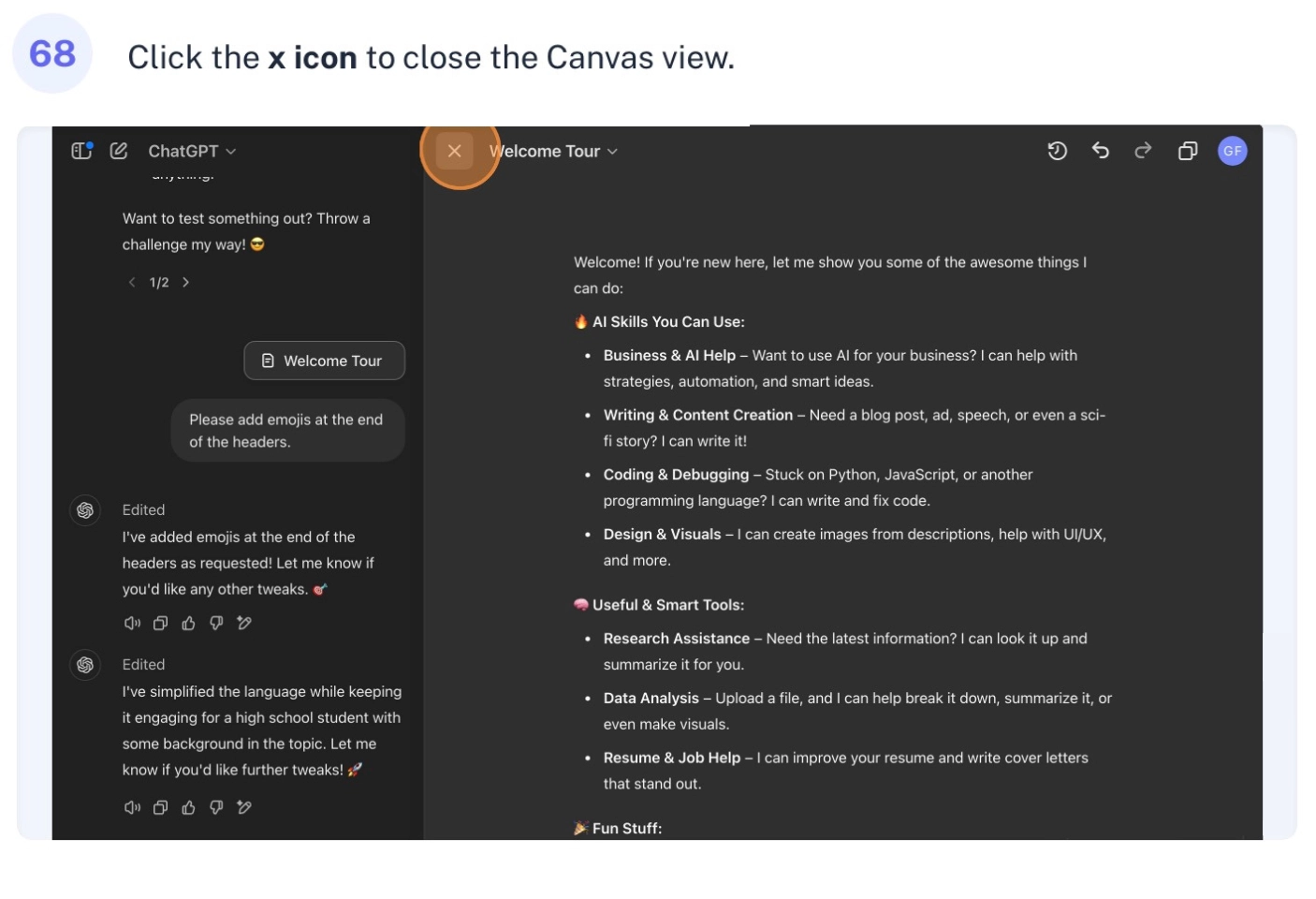
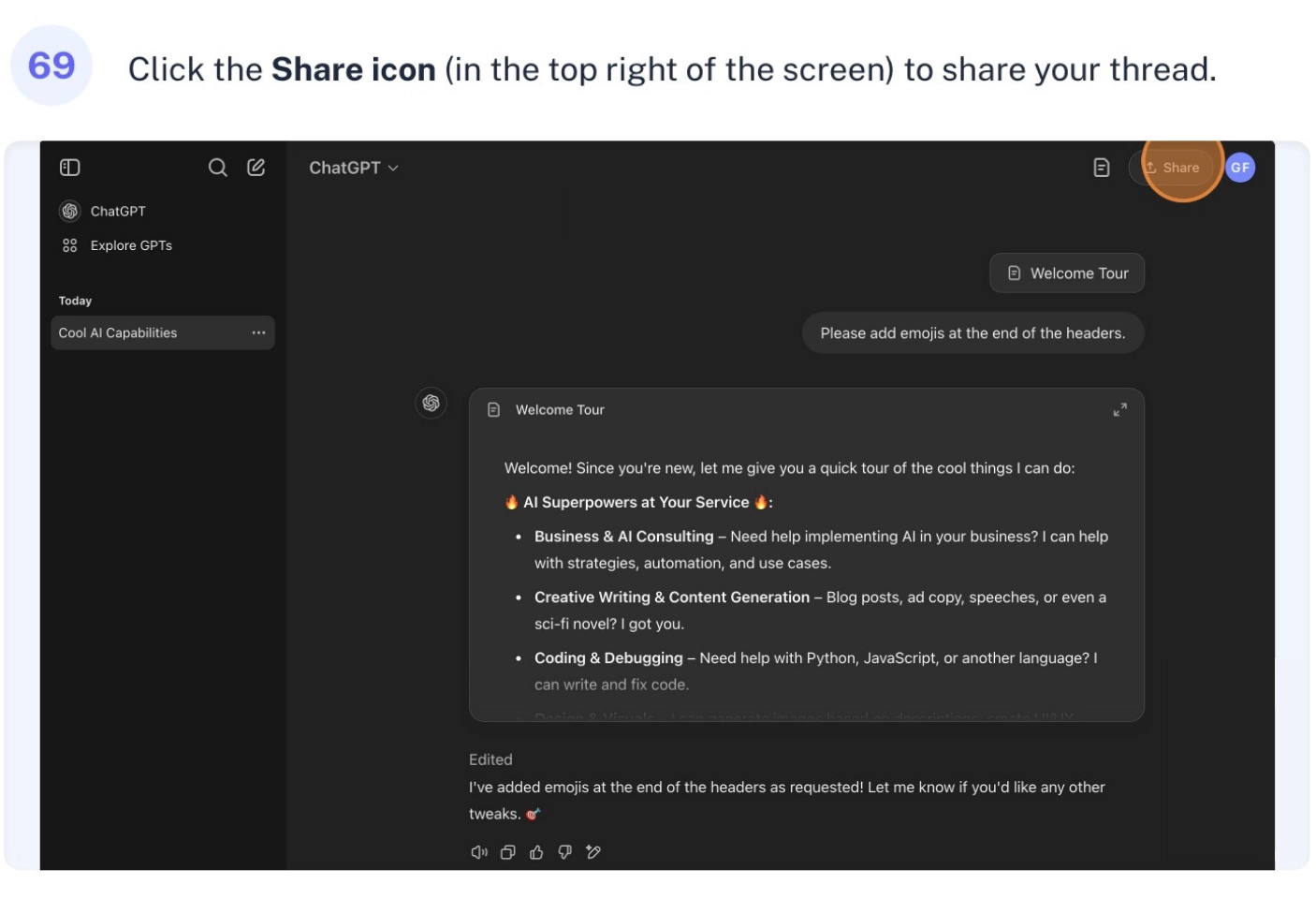
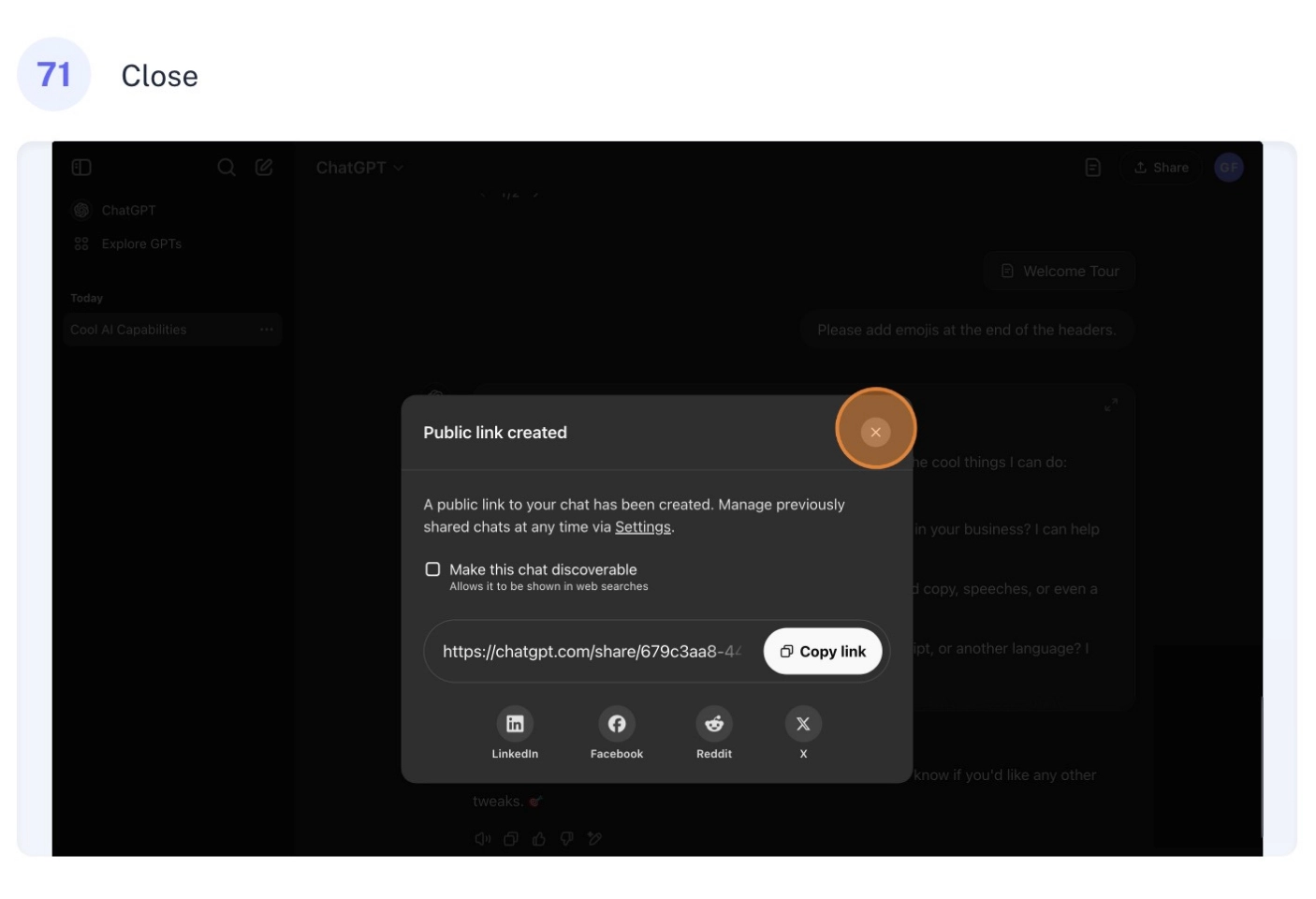
When ChatGPT responds, you’ve got lots of options. Want to hear it read aloud? Hit the speaker icon. Love the response? Give it a thumbs up. Not quite what you wanted? Give it a thumbs down and let ChatGPT know why. Want to fine-tune it? The canvas mode is your friend – it’s like a workshop where you can see different versions of the response, adjust the length, change the reading level, add some polish, and even throw in some emojis. You can also share your conversations easily – either with a unique link or directly to platforms like LinkedIn, Facebook, Reddit, or X.
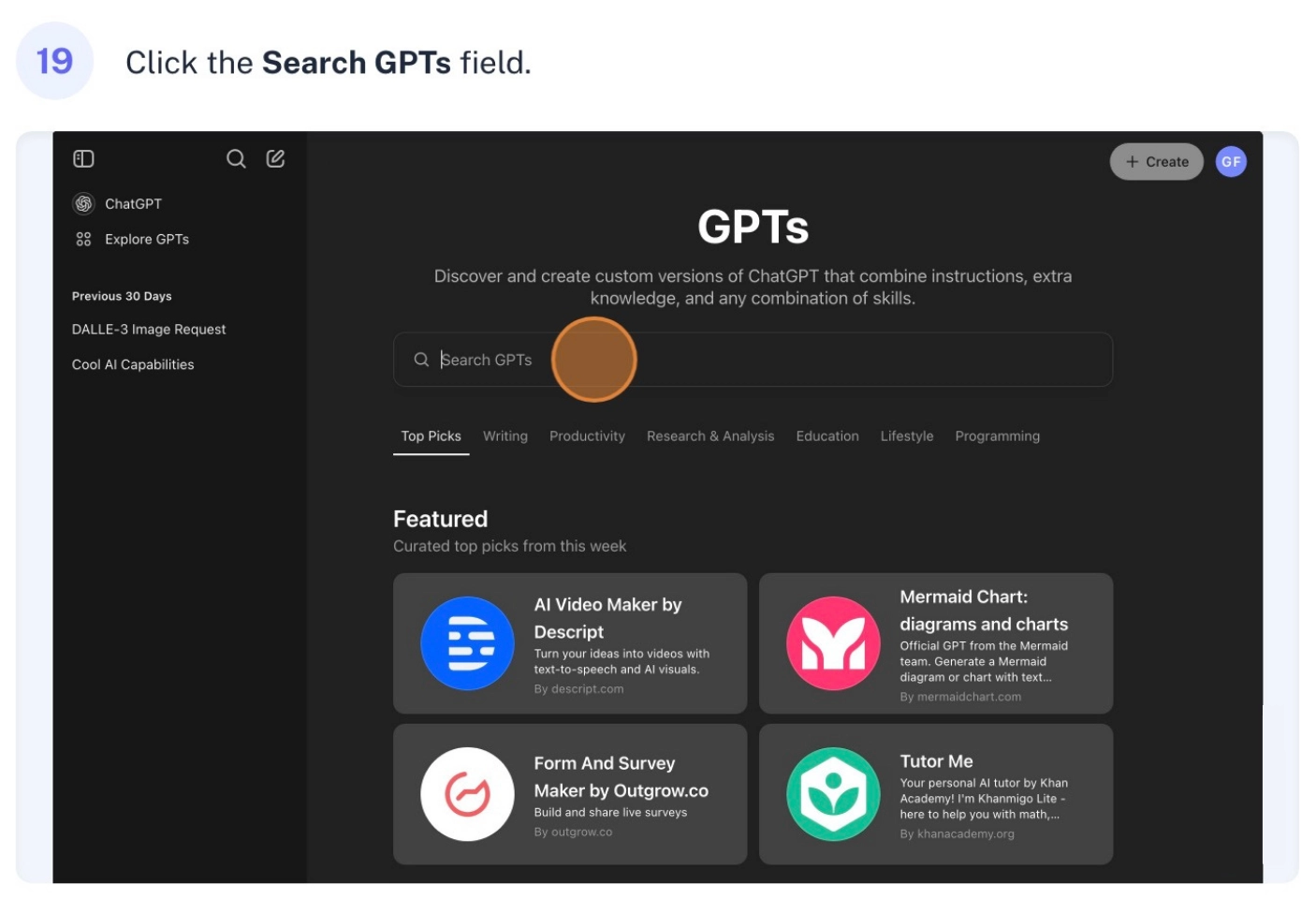
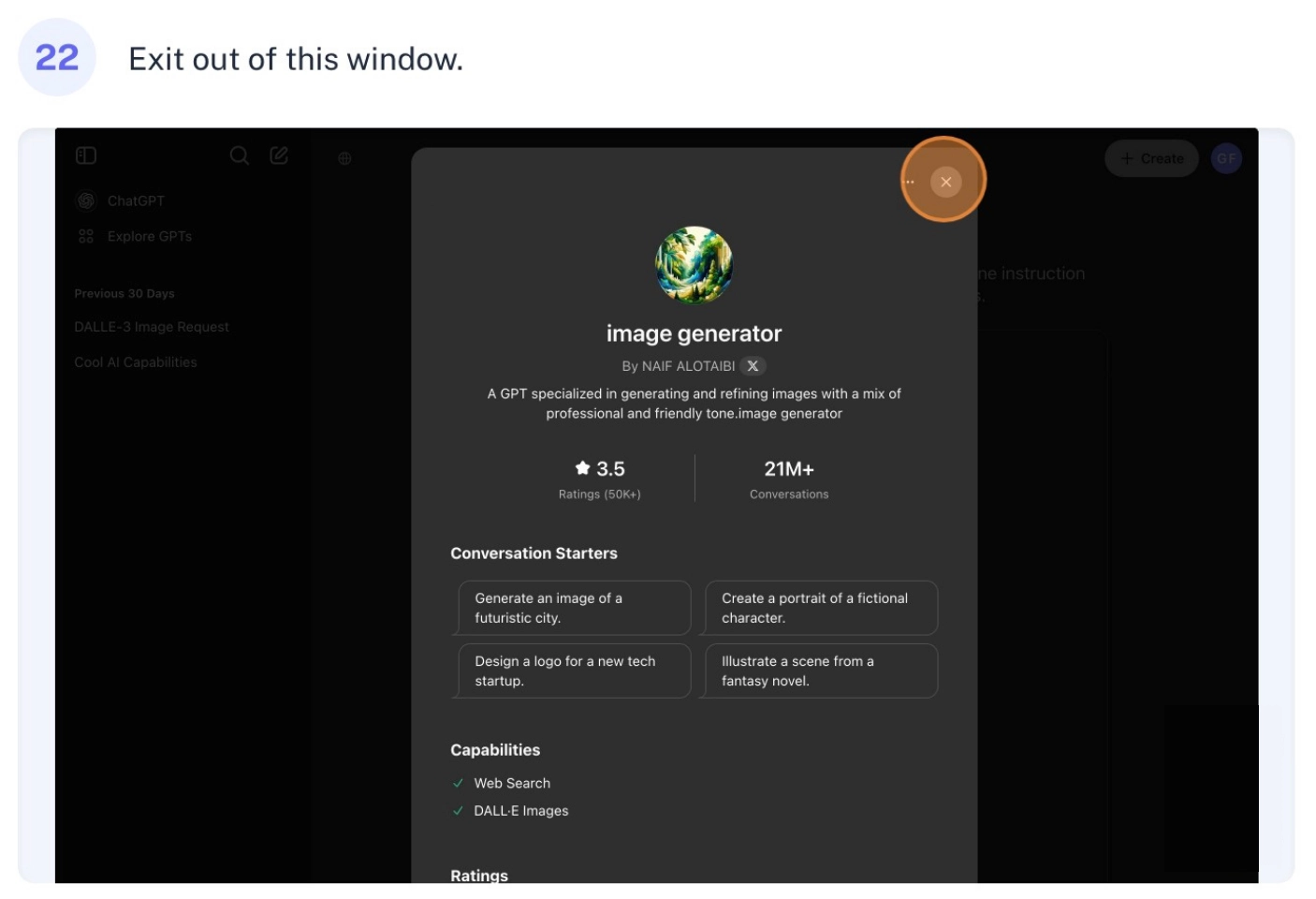
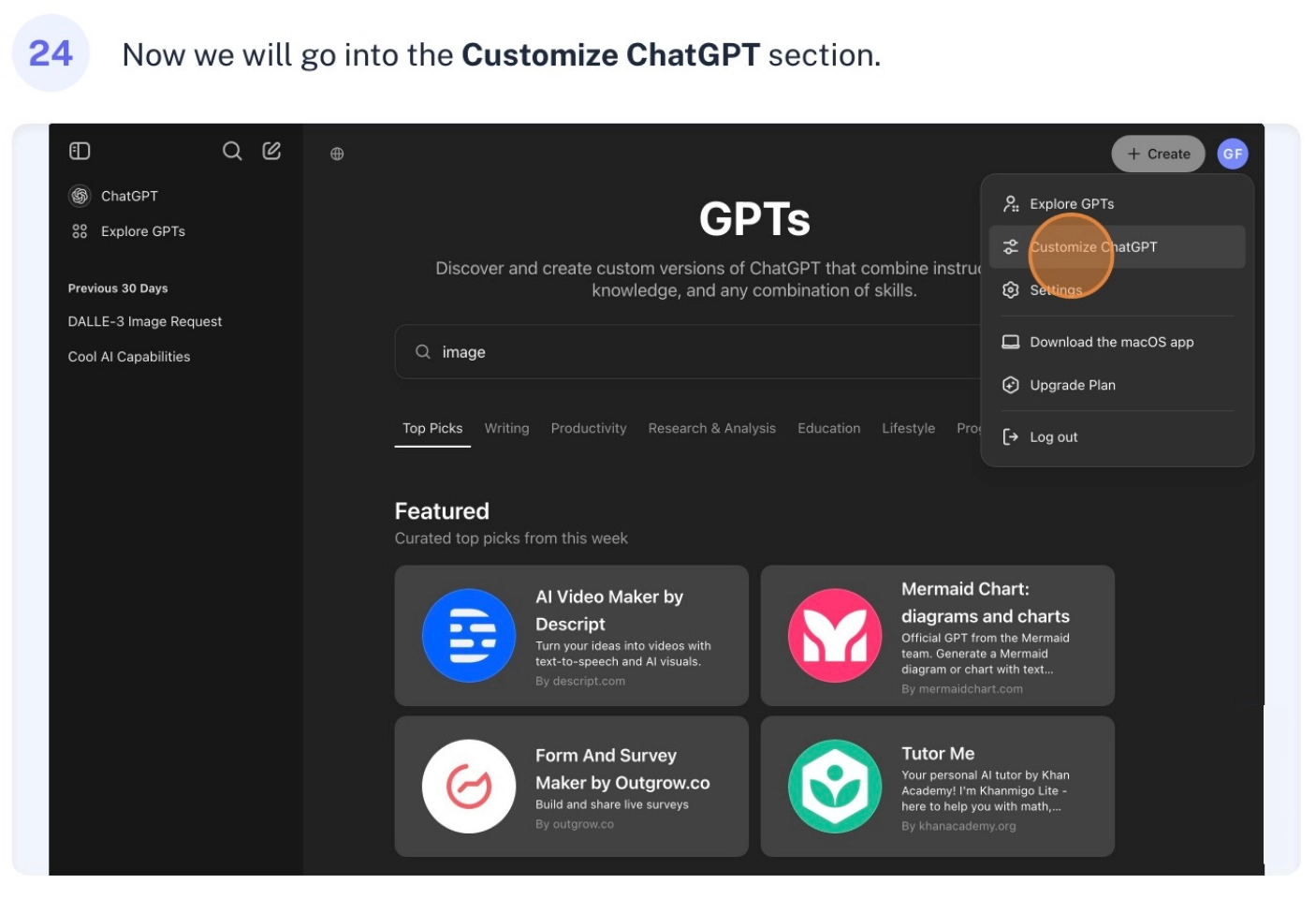
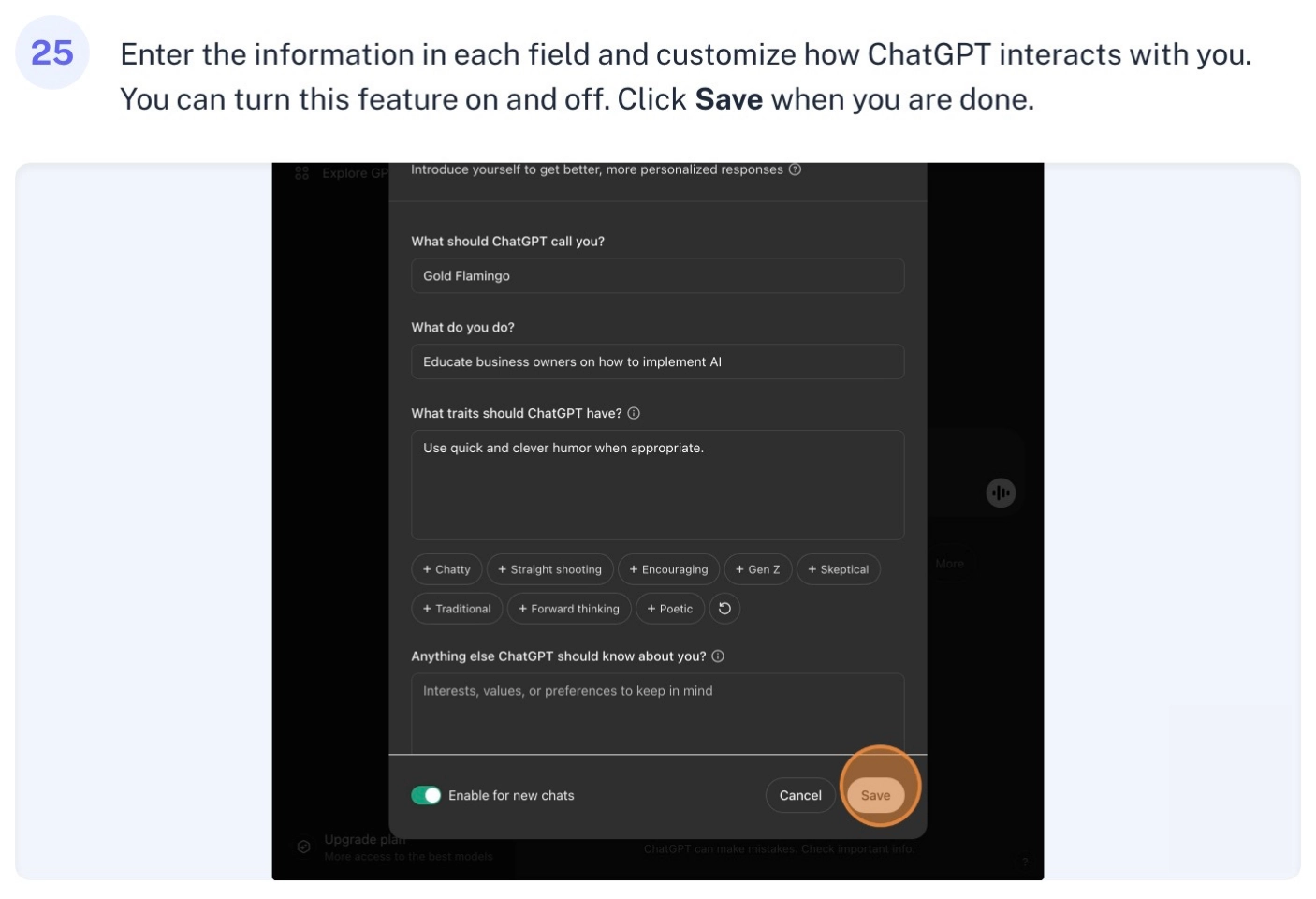
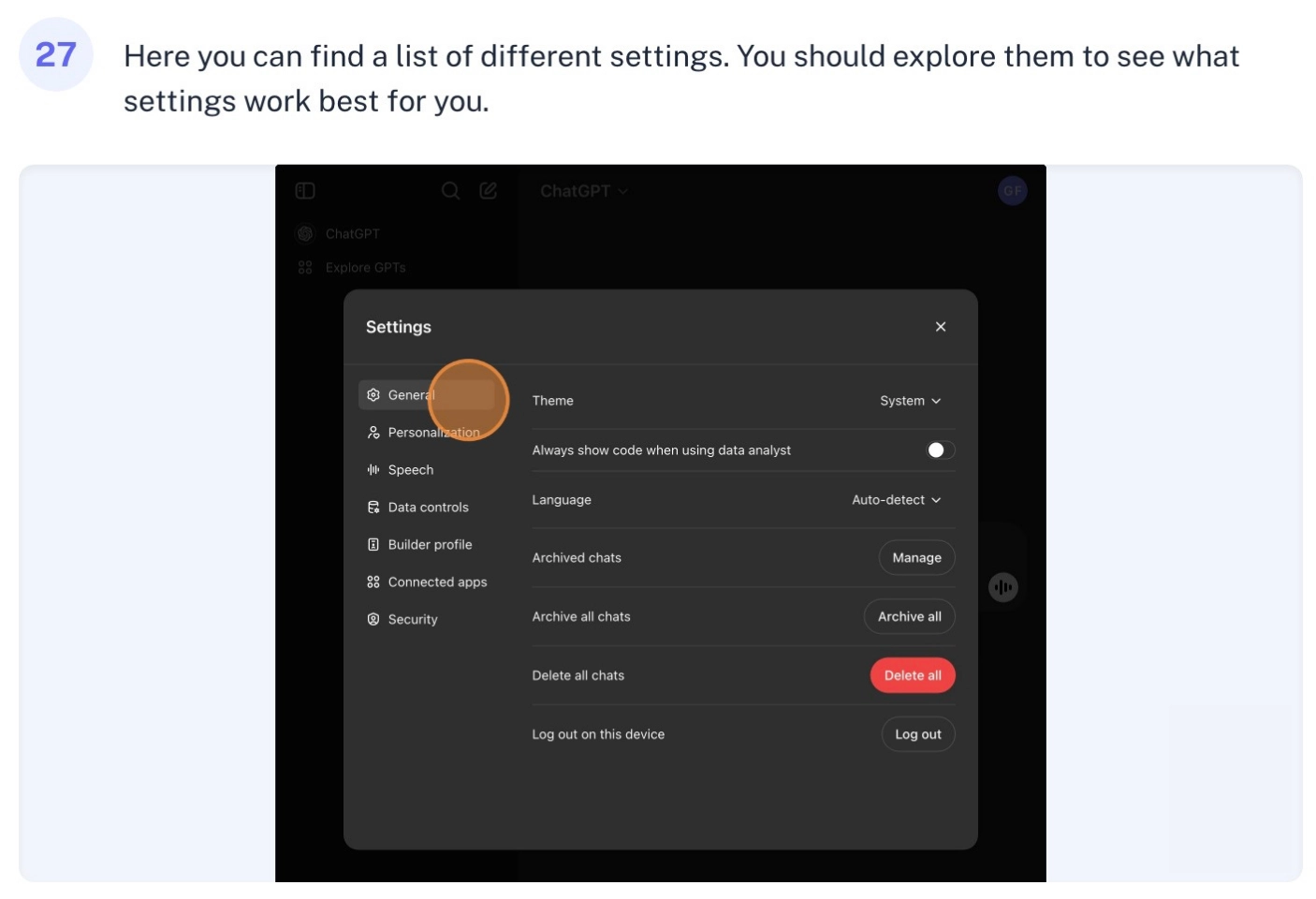
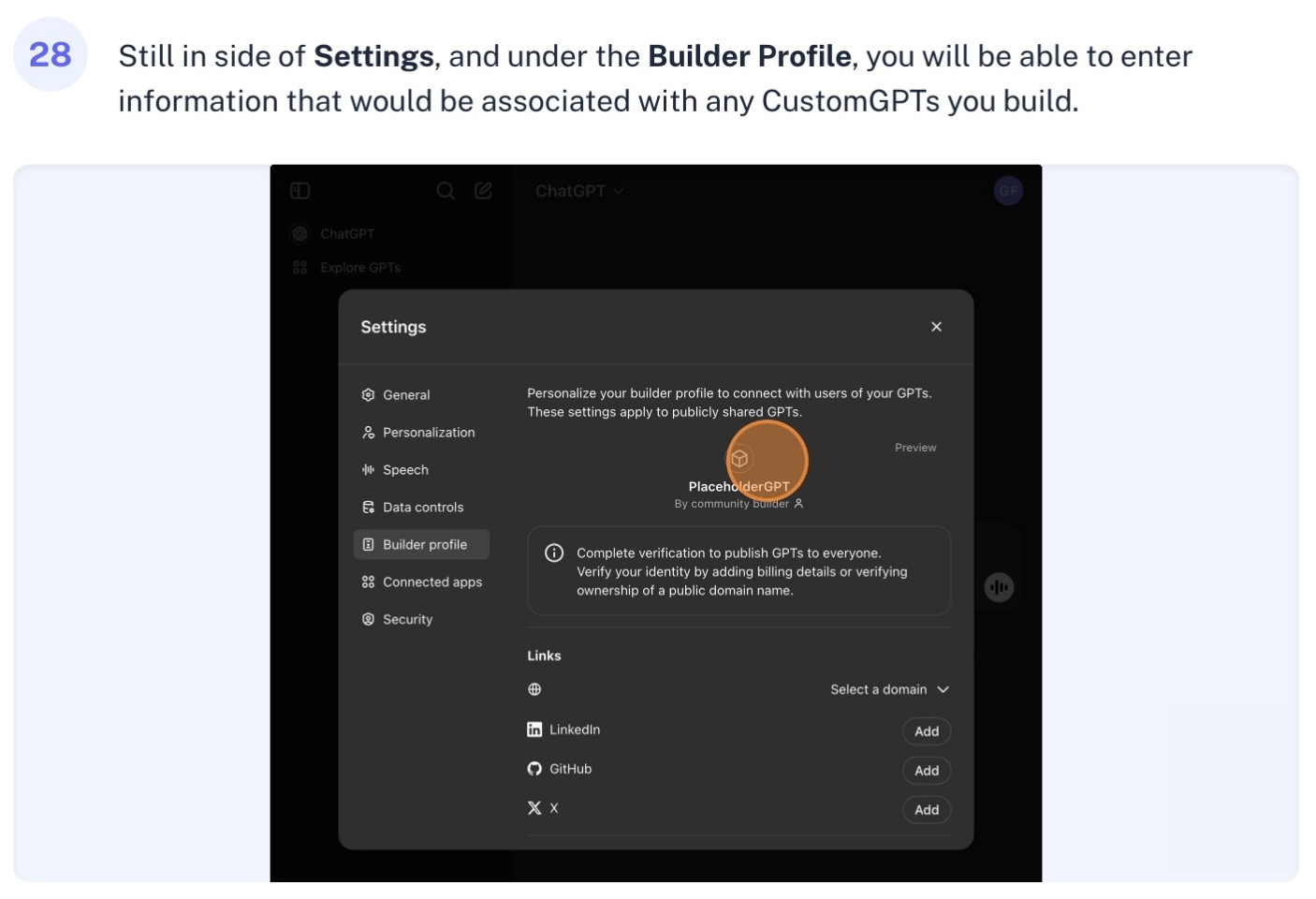
Oh, and here’s a pro tip: if you click your profile icon, you’ll find all sorts of ways to make ChatGPT work better for you. You can connect your Google Drive for file sharing, manage your security settings, customize how ChatGPT interacts with you, and explore a marketplace of specialized AI bots called Custom GPTs. There’s also a helpful “?” icon that gives you quick access to help documentation and keyboard shortcuts.
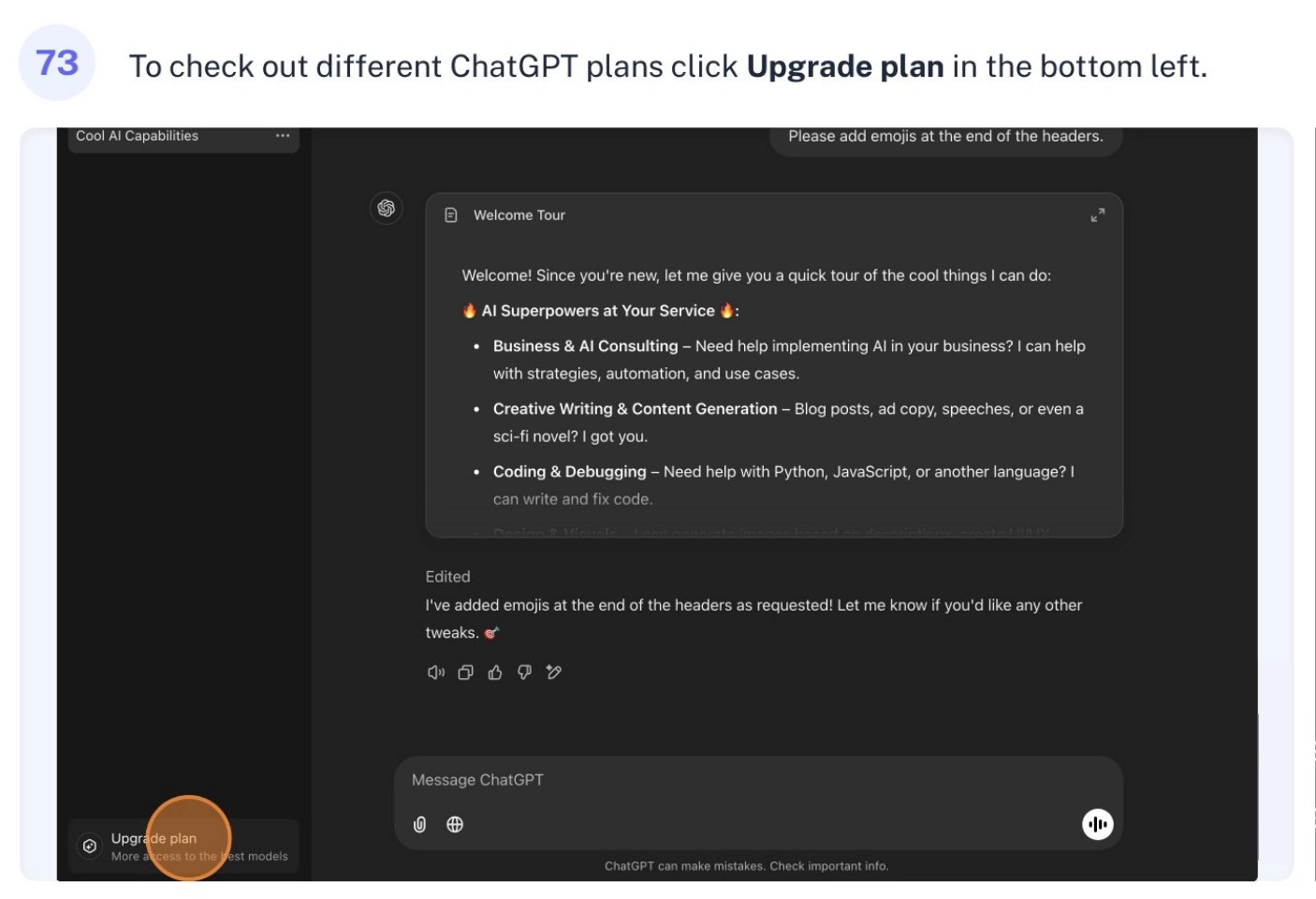
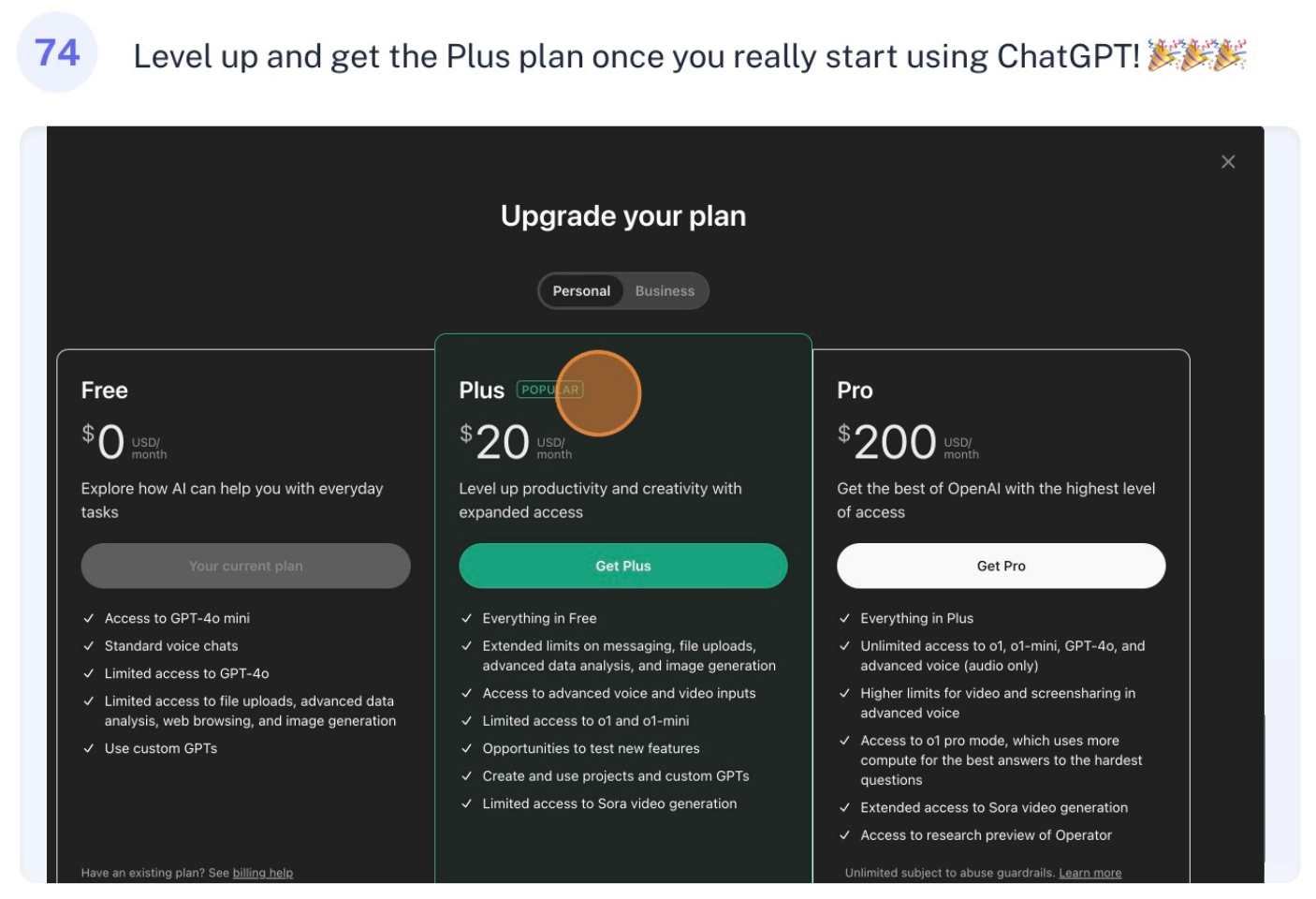
Starting with the free plan is a great way to get your feet wet – it gives you access to standard features like basic chat, voice interactions, and file uploads. But when you really get into it, you might want to check out the Plus plan – it’s like leveling up in a game, but for AI! You’ll get features like advanced data analysis, image generation, and access to more powerful AI models
We help small businesses
save time and money with AI!